Troubleshooting
1.
2.
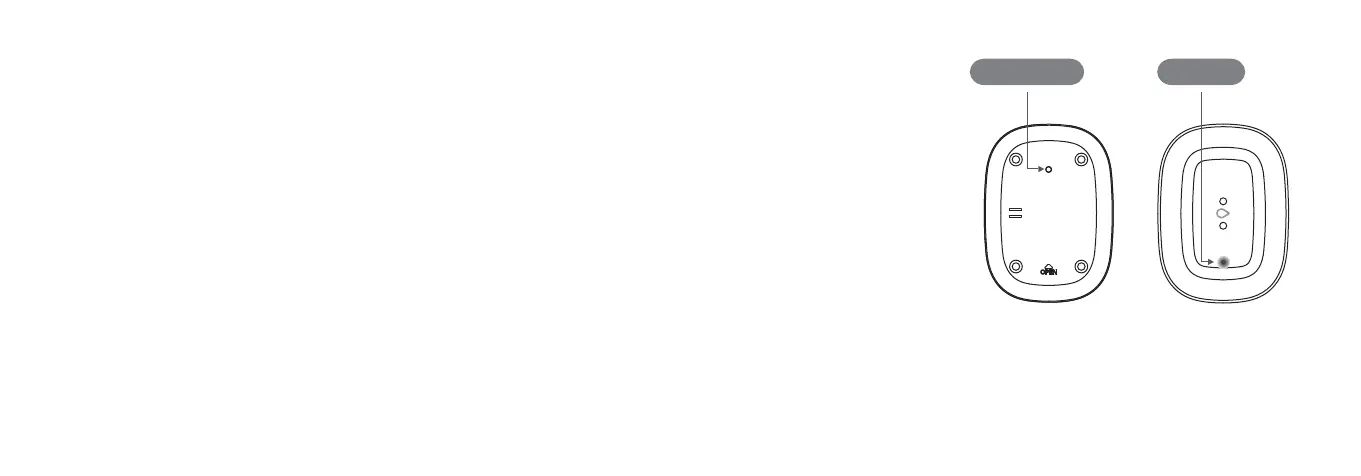
Connect button
Placement
Hold the “Connect” button for 5
seconds, and release it when the LED
starts blinking red.
Use the SmartThings mobile app to
select “Add device” card and then
follow the on-screen instructions to
complete setup.
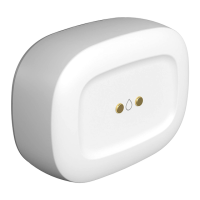
The Water Leak Sensor detects moisture
using two metal leads on the top and two
on the bottom of the sensor.
Place the Water Leak Sensor in areas like
bathrooms, basements, or cabinets
where the top or bottom metal leads can
easily detect a pool of water forming.
The Water Leak Sensor can also monitor
temperature.
If you’re still having trouble connecting
the Water Leak Sensor, please visit
Support.SmartThings.com for assistance.
LED Light
Back Front


 To Previous Page