Getting started
4
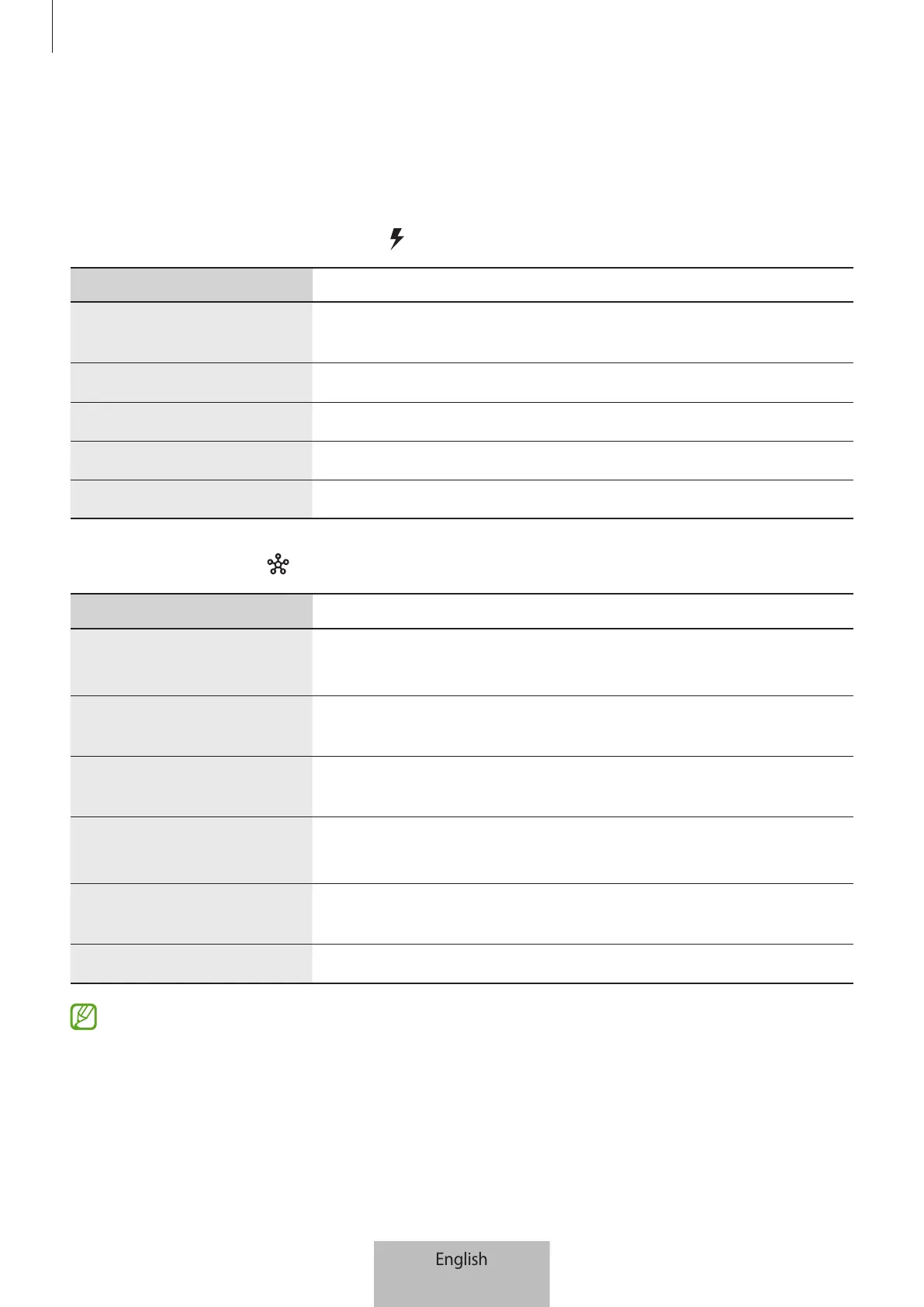
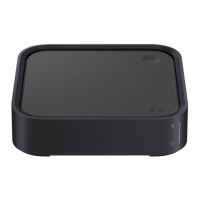
Indicator lights
You can view the current status of the SmartThings Station by the changes in the
indicator lights.
▶
Wireless charging indicator light
Status Function
Flashing red
→
green
→
yellow
•
When connected to a power outlet
Red
•
Charging a device
Green
•
When the device is fully charged
Flashing red
•
Charging error
Flashing yellow
•
When connecting to an unauthorized wall charger
▶
Hub indicator light
Status Function
Flashing blue
•
When booting, during initial setup, when initializing
SmartThings hub
Flashing blue then turns
off
•
When pressing and holding the Smart button
Flashing blue three
times
•
Connection complete
Flashing red
→
green
→
blue
•
Waiting to connect to SmartThings hub, smart home
devices connection mode
Flashing yellow for
3 minutes then turns off
•
No network connection, network error
Blue
•
SmartThings hub connected
If the indicator lights do not operate properly or are recognized incorrectly,
disconnect the wall charger and connect it again.



 To Next Page