Getting started
5
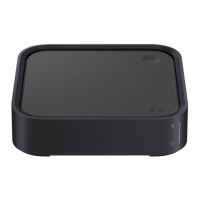
Turning the SmartThings Station on
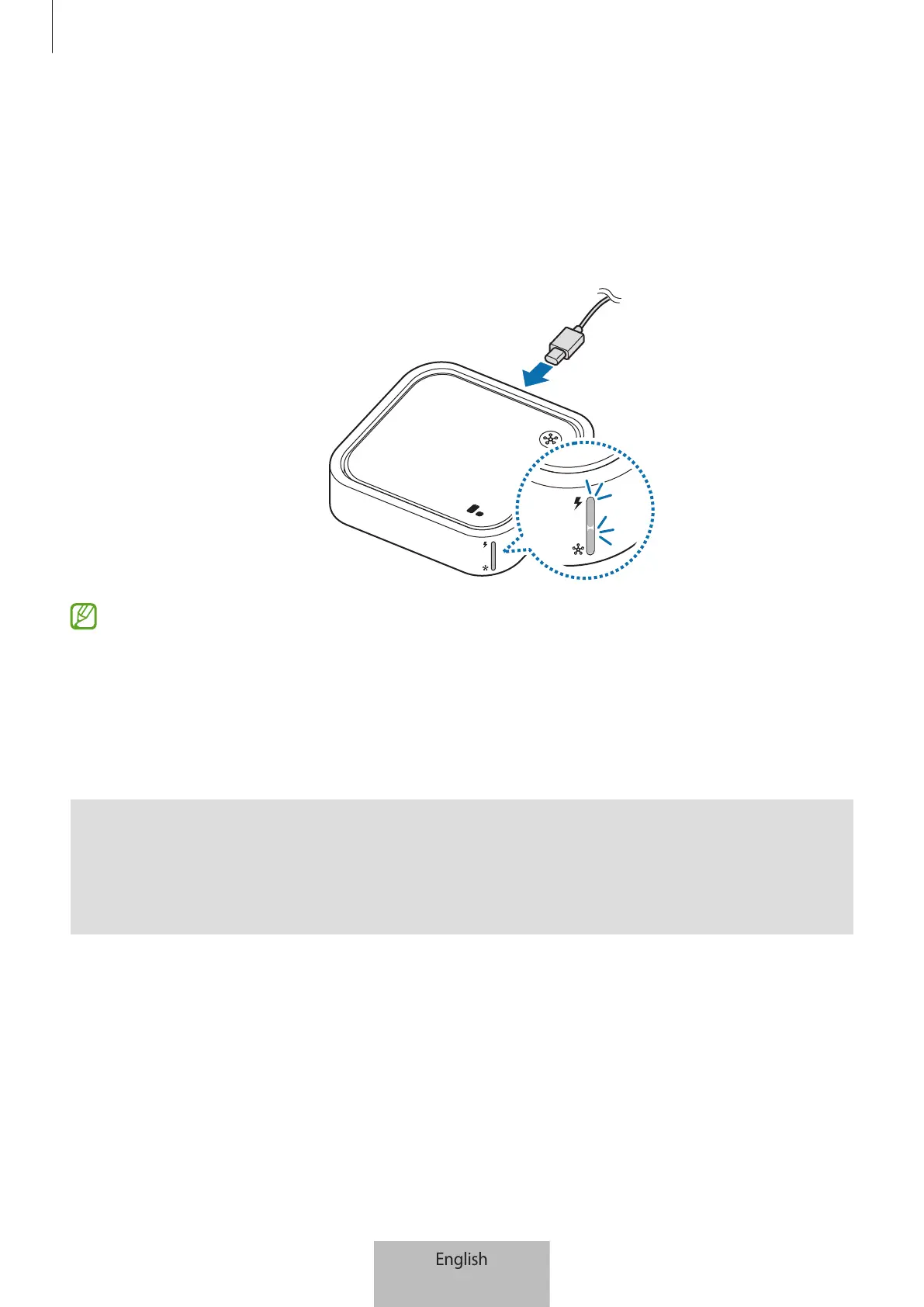
1 Connect the USB cable and the wall charger.
2 Connect the USB cable to the SmartThings Station’s charger port.
The indicator lights flash and the SmartThings Station turns on.
The wireless charger is not compatible with chargers that do not support Adaptive
fast charging and Super fast charging features. To use the 15 W Fast charging
2.0 feature, use the Samsung approved charger (9.0 V/2.77 A) supplied with the
SmartThings Station, super fast charger, or a PD (Power Delivery) charger which is
25 W and higher. If a PD charger less than 25 W or fast charger is used, the 7.5 W fast
wireless charging 1.0 feature may work.
Q
I want to turn off the power.
A
This SmartThings Station does not have a power button. Simply unplug the wall
charger from the electric socket.



 To Next Page