5-97
Chapter 5 Measurements and Calculations
Report
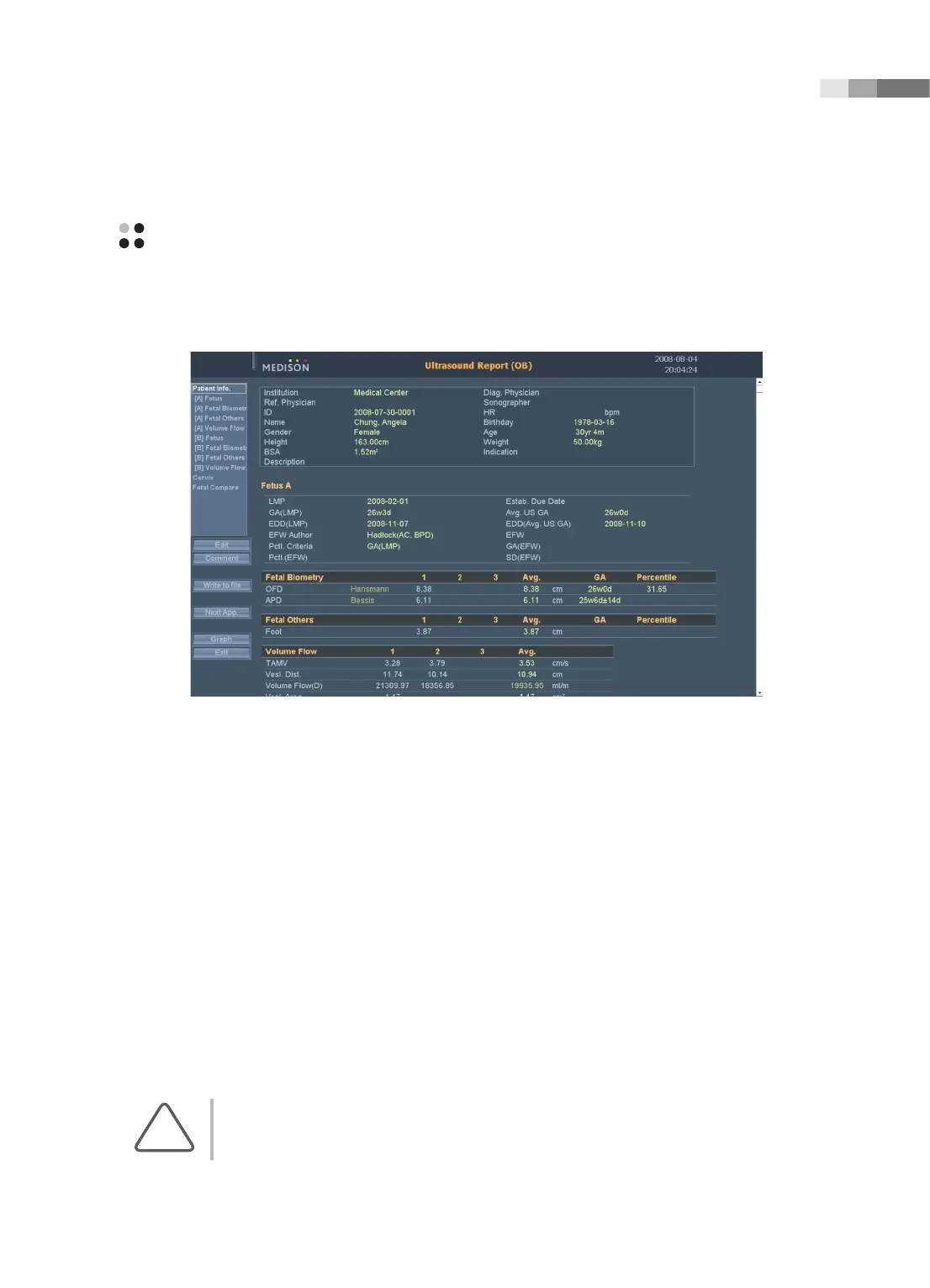
Measurement results are arranged by application and displayed on the screen in the form of a report.
[Figure 5.21 The Report Screen – Example]
Viewing Report
Press the Report button on the control panel. The system switches to the Ultrasound Report screen.
When measurement results cannot be displayed in a screen, they can be moved into the upper and lower
portions of the screen in three ways as below:
▶
Use the scroll bar on the right side of the screen.
▶
Rotate the Menu dial-button on the control panel.
▶
The measurement menus saved in the current application report are displayed in the left side of the
screen. Select a menu to review from them.
To view a report for another application, press Next App. on the screen. Each time Next App. is pressed,
reports for other applications are shown.
NOTE:
Reports for applications in which no measurements have been made will not be shown.



 To Next Page