Need help?
Do you have a question about the Samsung SPF-86V and is the answer not in the manual?
Details warning and attention symbols for accident prevention and safe handling.
Covers safe placement, avoiding environmental hazards, and proper installation.
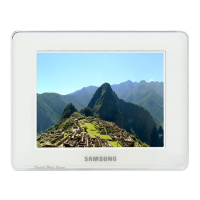
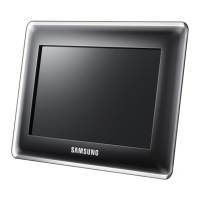
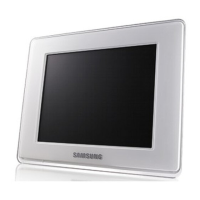
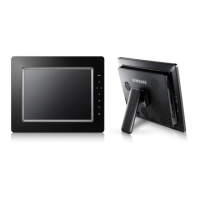
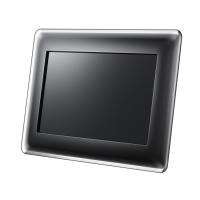
Highlights key features, lists included components, and describes device layout.
Guides on connecting power, USB, and memory cards for device operation.
Explains device buttons, navigation, status indicators, and basic operations.
Covers photo display, music/movie playback, clock, alarm, and InfoLink features.
Details network, language, options, preferences, and update settings.
Lists detailed technical data including resolution, memory, power, and dimensions.
Provides solutions for common problems and contact information for support.
 General
| Display Size | 8 inches |
|---|---|
| Resolution | 800 x 600 |
| Aspect Ratio | 4:3 |
| Internal Memory | 1 GB |
| Connectivity | USB |
| Power Supply | AC Adapter |
| USB Version | USB 2.0 |
| Supported Formats | JPEG, MP3 |
| Memory Card Support | SD, MMC |
| Features | Clock, Calendar |

 To Next Page