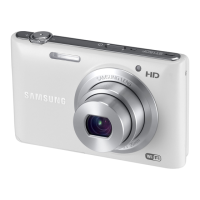
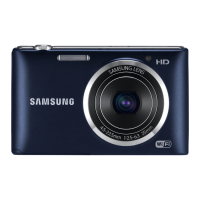
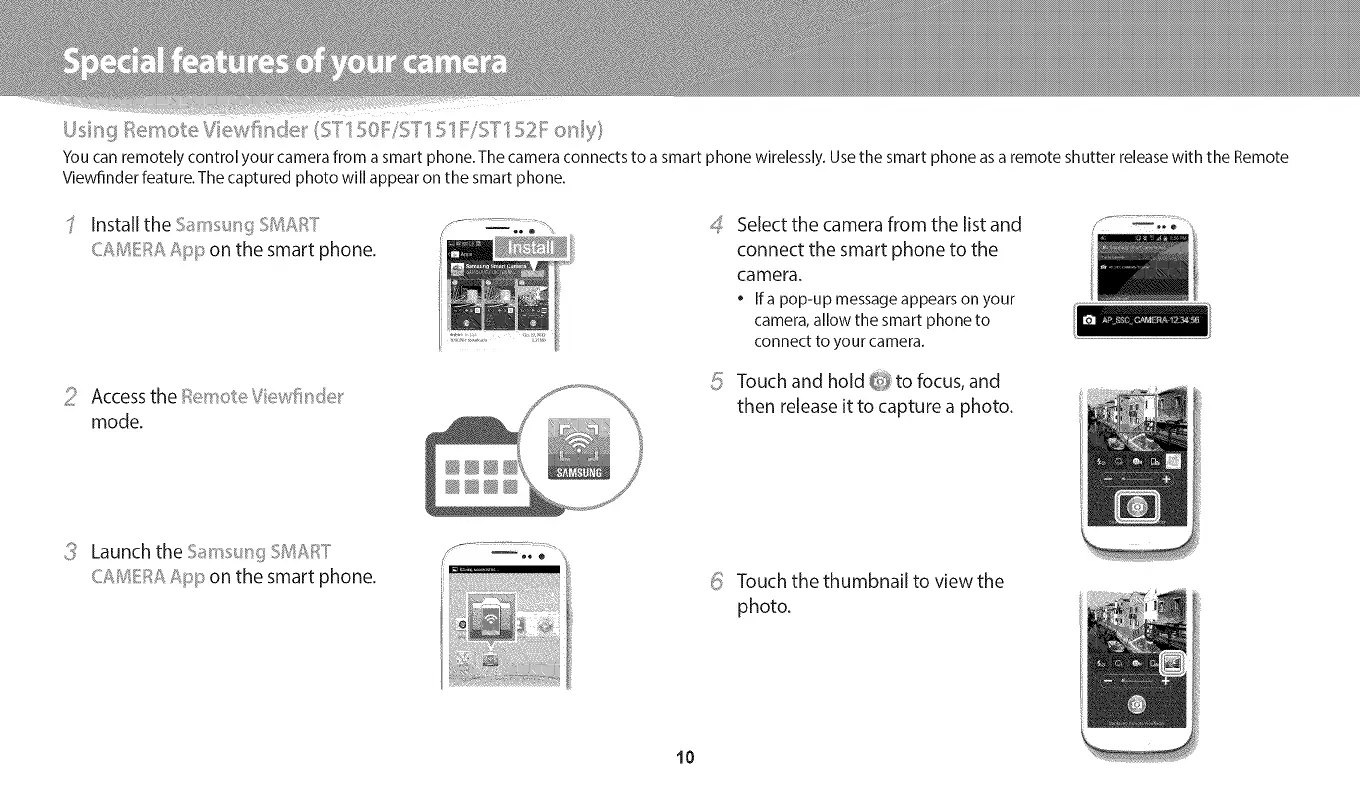
You can remotely control your camera from a smart phone. The camera connects to a smart phone wirelessly. Use the smart phone as a remote shutter release with the Remote
Viewfinder feature.The captured photo will appear on the smart phone.
Install the Sams_,__IiSMART
CAMEt;_AApp on the smart phone.
_! Accessthe emoIe Viewfi_'_de_'
mode.
4_ Select the camera from the list and ..............................
connect the smart phone to the
camera.
Ifa pop-up messageappearson your
camera,allow the smart phone to
connect to your camera.
5 Touch and hold @to focus, and
then releaseit to capture a photo.
Launch the S_ms_,__I;jSMAI;:_T
CAMEI;:_AApp on the smart phone.
_ Touch the thumbnail to view the
photo.
10


 To Next Page
 Loading...