<xs <
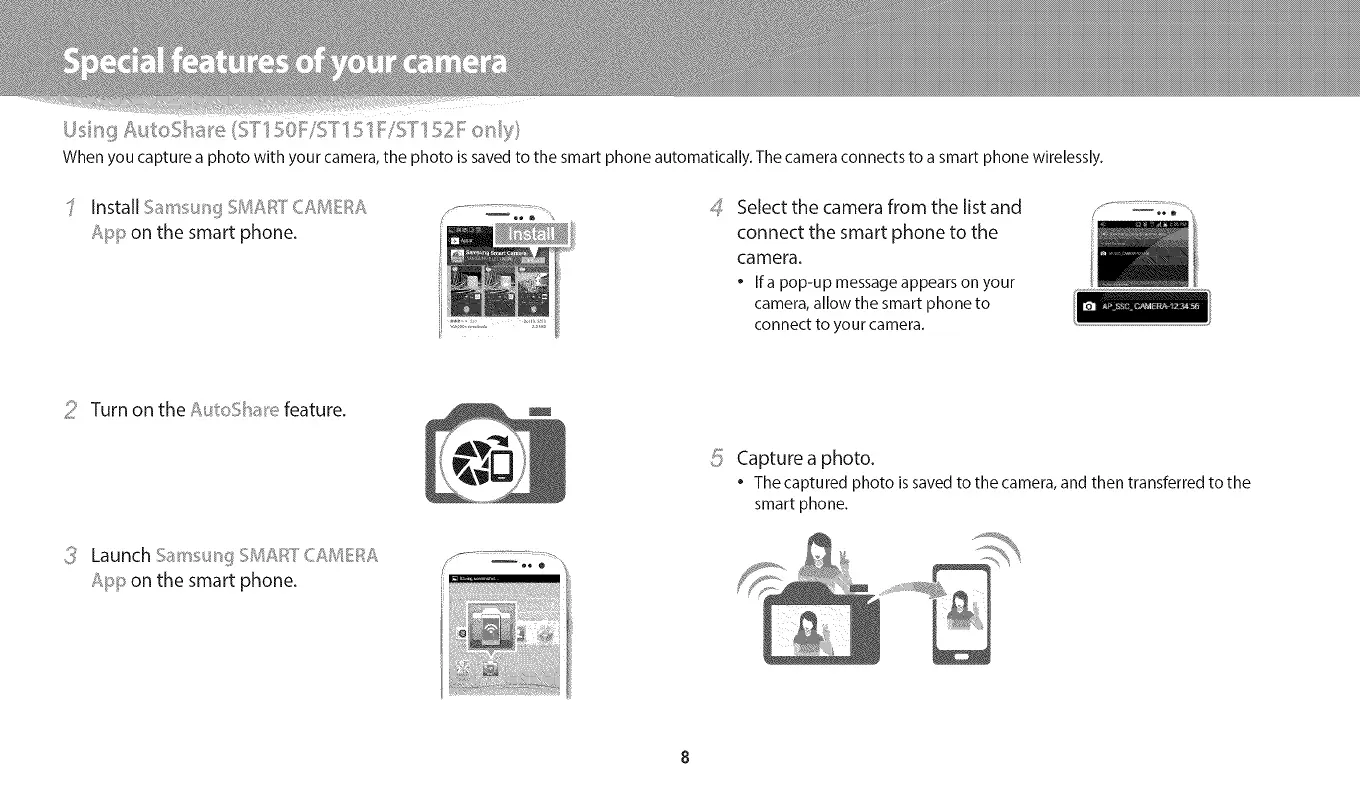
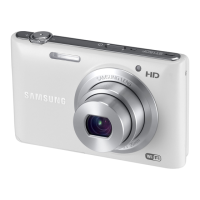
When you capture a photo with your camera, the photo is saved to the smart phone automatically. The camera connects to a smart phone wirelessly.
InstallSams_;_tf,_,_V,,,'_[_,,,,,<v_,E,'
App on the smart phone.
4
Select the camera from the list and
connect the smart phone to the
camera.
• Ifa pop-up messageappearson your
camera,allow the smart phone to
connect to your camera.
:_! Turn on the A /:oSbae feature.
Launch 5sins n!:_> v_,,__CRME}::_A
App on the smart phone.
_:; Capturea photo._/
• The captured photo is saved to the camera, and then transferred to the
smart phone.


 To Next Page