Basic functions
14
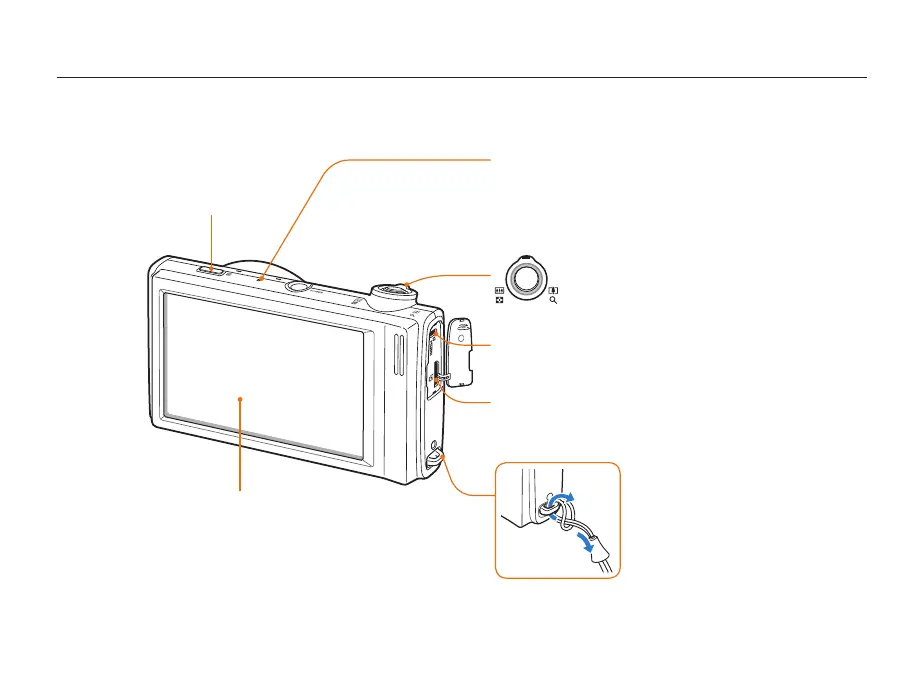
Camera layout
Status lamp
Blinkingt : When saving a photo or video, being read by a
computer or printer, or out of focus
Steadyt : When connecting to a computer or in focus
Zoom button
Zoom in or outt
Zoom in on part of a photo or view files t
as thumbnails
Playback button
Touch screen
1
2
HDMI port
Accepts HDMI cable
USB and A/V port
Accepts USB cable or A/V cable



 To Next Page