Extended functions
35
Shooting modes
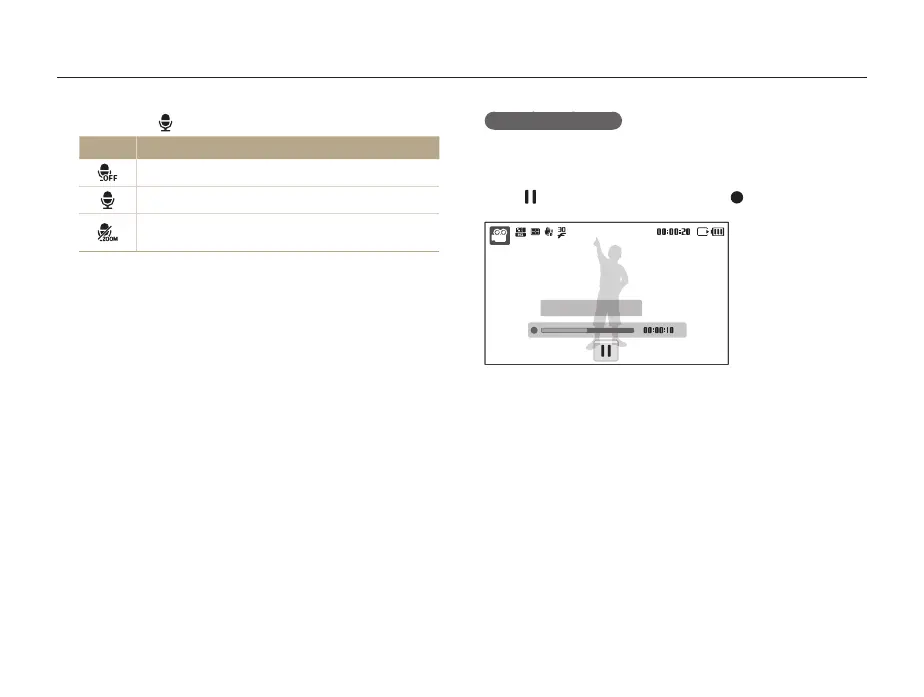
To pause recording
The camera allows you to pause temporarily while recording a
video. With this function, you can record your favorite scenes as
a single video.
Select
to pause while recording. Select to resume.
Stop: Shutter
Select
3
>
a sound option.
Option Description
Off: Record a video without sound.
On: Record a video with sound.
Zoom Mute: Record a video without sound while
zooming.
Set other options as desired. (For options, refer to
4
“Shooting options.”)
Press [
5
Shutter] to start recording.
Press [
6
Shutter] again to stop recording.



 To Next Page