Unpacking
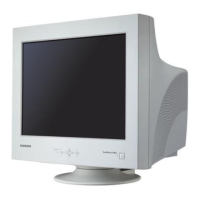
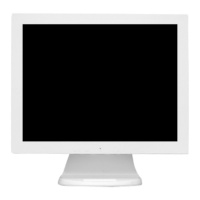
Front
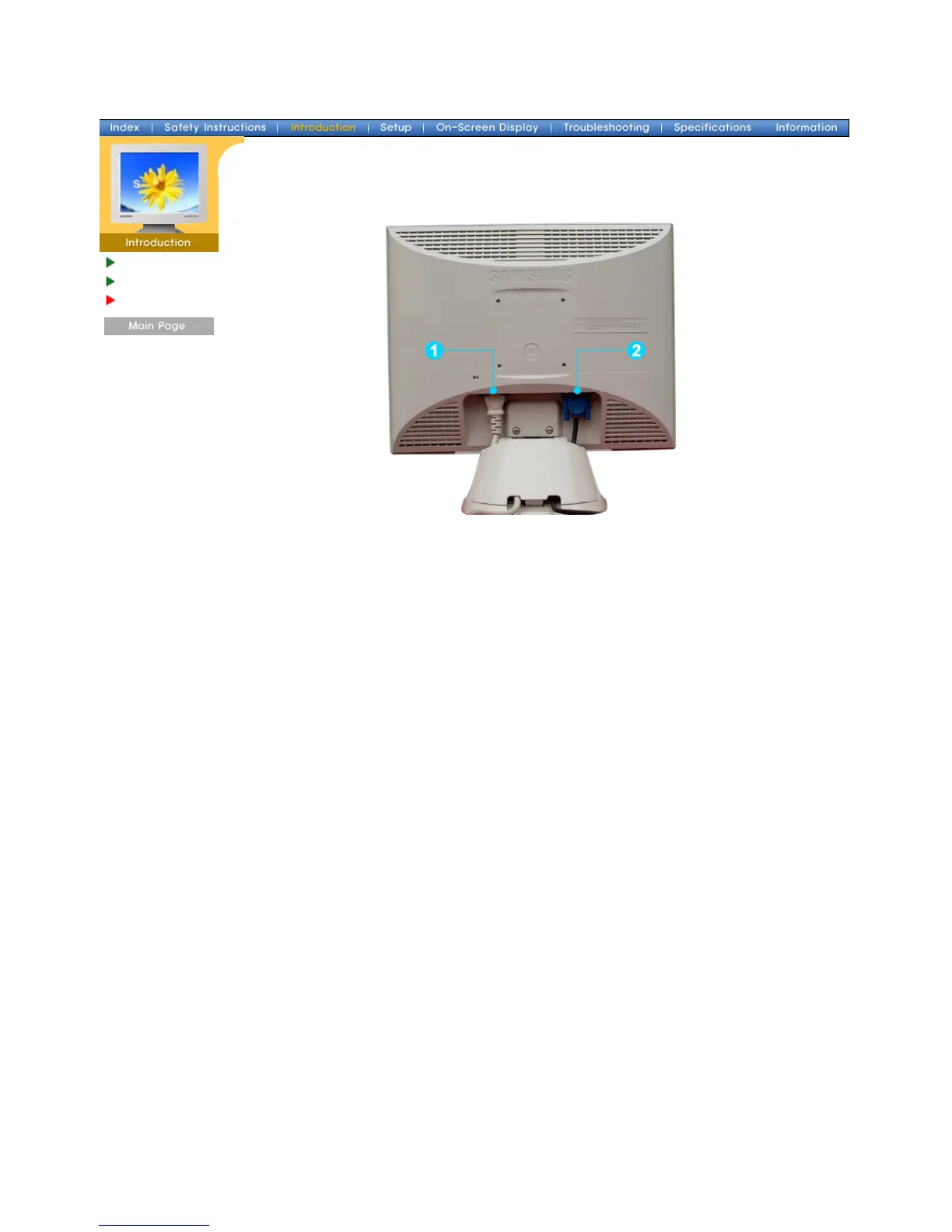
Rear
(The configuration at the back of the monitor may vary from product to product.)
1. Power port Connect the power cord for your monitor to the power port on the back
of the monitor.
2. Signal port Connect the signal cable to the 15-pin, D-sub connector on the back of
your monitor.
Note:
See Connecting the Monitor for further information regarding cable connections.
SyncMaster 153V/173V/152V/172V/193V/192V







 To Next Page