English > Main > Safety Instructions > Clean
Notational
Power
Installation
Clean
Other
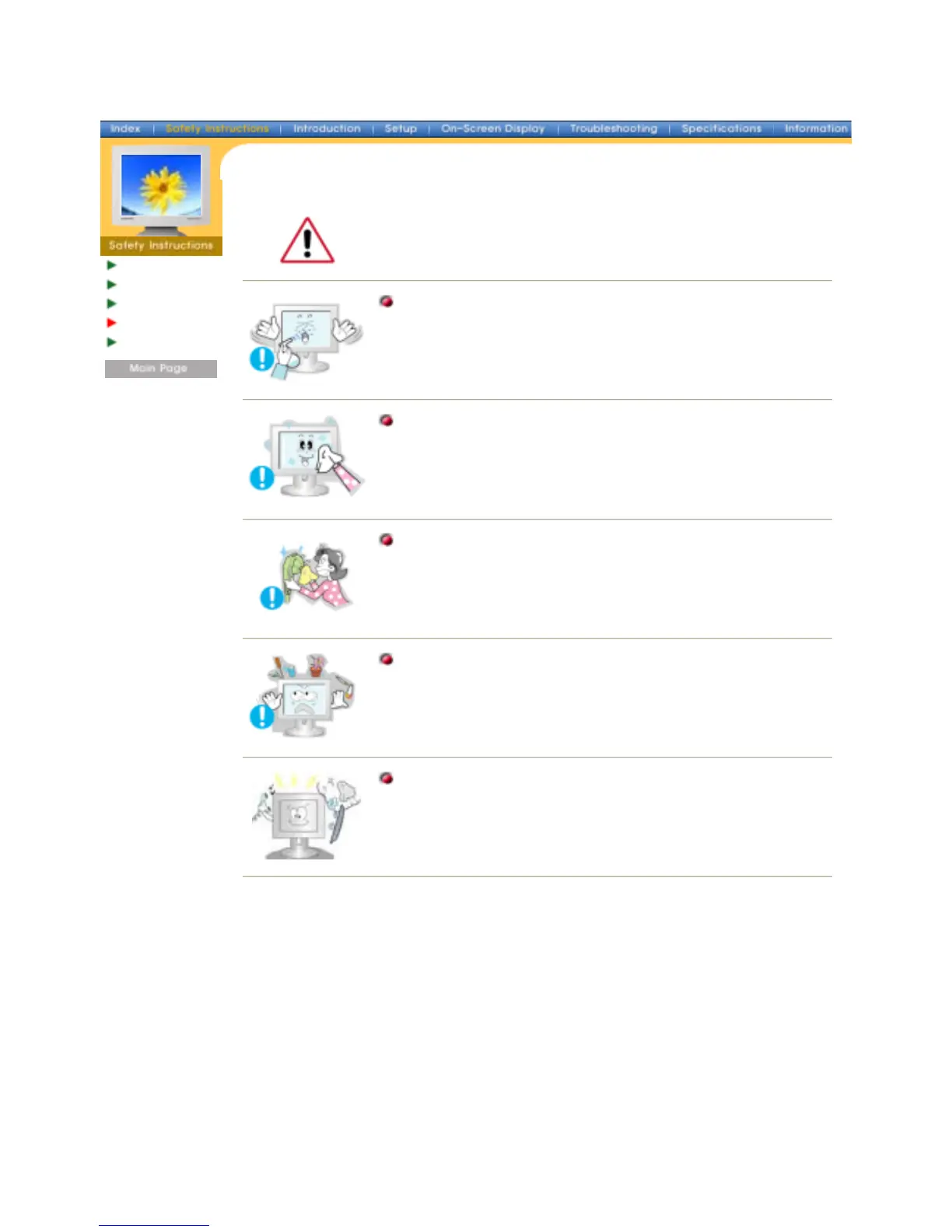
When cleaning the monitor case or the surface of the TFT-LCD screen, wipe
with a slightly moistened, soft fabric.
Do not spray detergent directly on the monitor.
Use the recommended detergent with a smooth cloth.
If the connector between the plug and the pin is dusty or dirty,
clean it properly with a dry cloth.
z
A dirty connector can cause an electric shock or fire.
Do not set a glass of water, chemicals or any small metal objects
on the monitor.
z This may cause damage, electric shock or a fire.
z If a foreign substance gets into the monitor, disconnect the plug
and then contact a service center.
Contact a Service Center or Customer Center for interior cleaning
once a year.
z Keep the product's interior clean. Dust which has accumulated in
the interior over an extended period of time may cause malfunction
or a fire.







 To Next Page