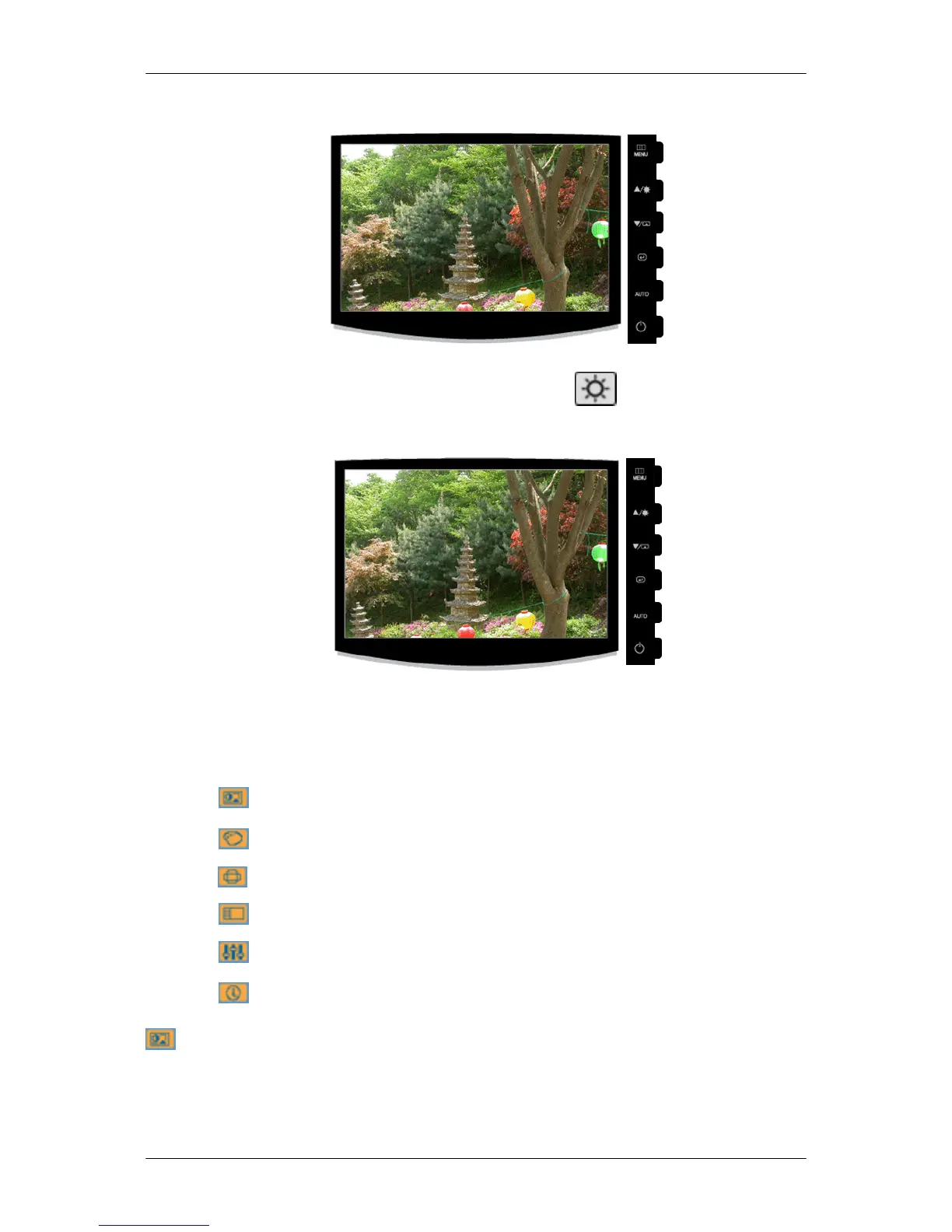
Brightness
When OSD is not on the screen, push the Brightness ( ) button to adjust brightness.
SOURCE
Selects the video signal while the OSD is off.
OSD Function
Picture Brightness Contrast Magic-
Bright
Color MagicColor Color Tone Color Con-
trol
Color Effect Gamma
Image Coarse Fine Sharpness H-Position V-Position
OSD Language Transpar-
ency
Display
Time
Setup Reset Custom-
ized Key
Off Timer Auto
Source
Image Size
Information
Picture
Brightness
(Not available in MagicBright mode of Dynamic Contrast.)
Adjusting the Monitor
32





 To Next Page