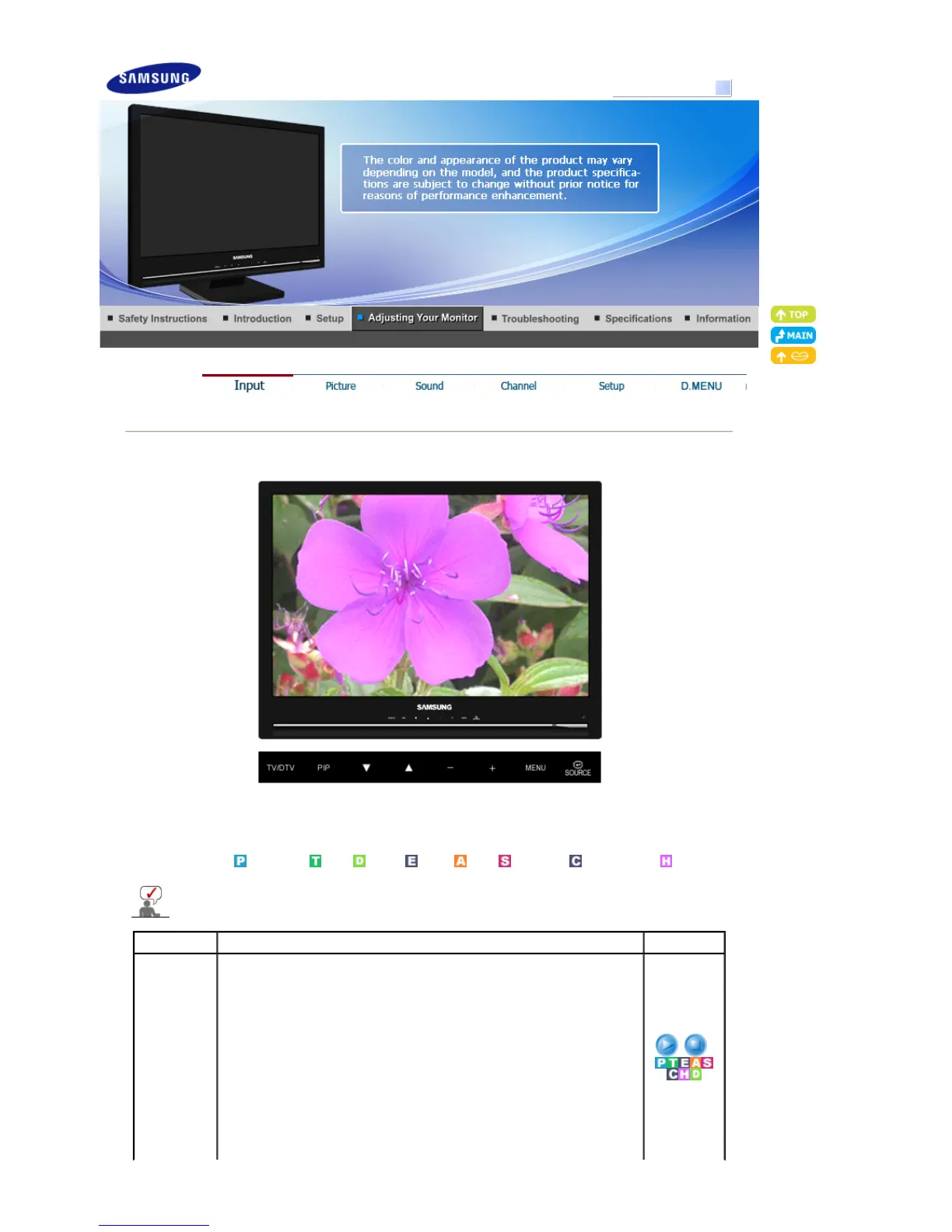
Model
Input
Available Mode
: PC / DVI
: TV : DTV : Ext. : AV : S-Video : Component : HDMI
The default setting may be different depending on the selected Input Mode (input signal
SOURCE selected in External Input List) and the selected resolution.
OSD Description Play / Stop
Source List
Use to select PC, TV, or other external input SOURCEs connected to the
Monitor.
Use to select the screen of your choice.
- The direct button on the remote control is the 'SOURCE' button.
- You can switch between TV and DTV modes by pressing the TV/DTV
button.
1) PC
2) DVI
3) TV
4) Ext.
5) AV
6) S-Video
SyncMaster 225MD





 To Next Page