2) 16:9
3) Zoom1
4) Zoom2
5) 4:3
Digital NR
- Digital Noise Reduction.
You can turn the Noise Elimination feature Off / Low / Medium / High / Auto.
The Digital Noise Elimination feature allows you to enjoy clearer and crisper
images.
1) Off
2) Low
3) Medium
4) High
5) Auto
Film Mode
You can turn Film Mode Off / On.
The Film Mode feature offers you a theater-quality viewing experience.
- This function supports the resolution only up to 480i/576i when the
input mode is Component or HDMI.
Off
On
Sound
Available Mode
: PC / DVI
: TV : DTV : Ext. : AV : S-Video : Component : HDMI
The default setting may be different depending on the selected Input Mode (input signal
SOURCE selected in External Input List) and the selected resolution.
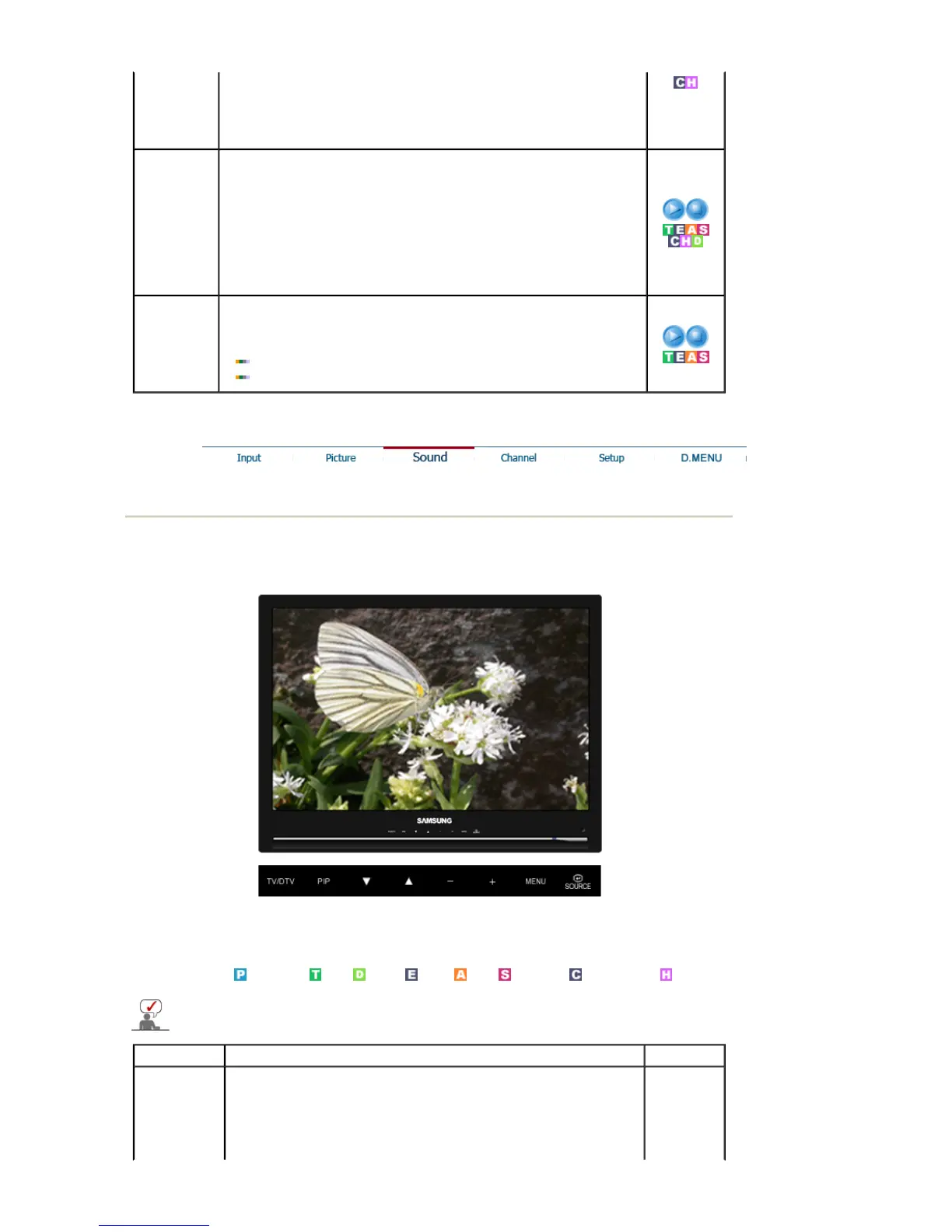
OSD Description Play / Stop
Mode
The Monitor has a built-in high fidelity stereo amplifier.
- The direct button on the remote control is 'S.MODE' button.
1) Standard
: Choose Standard for the standard factory settings.
2) Music





 To Next Page