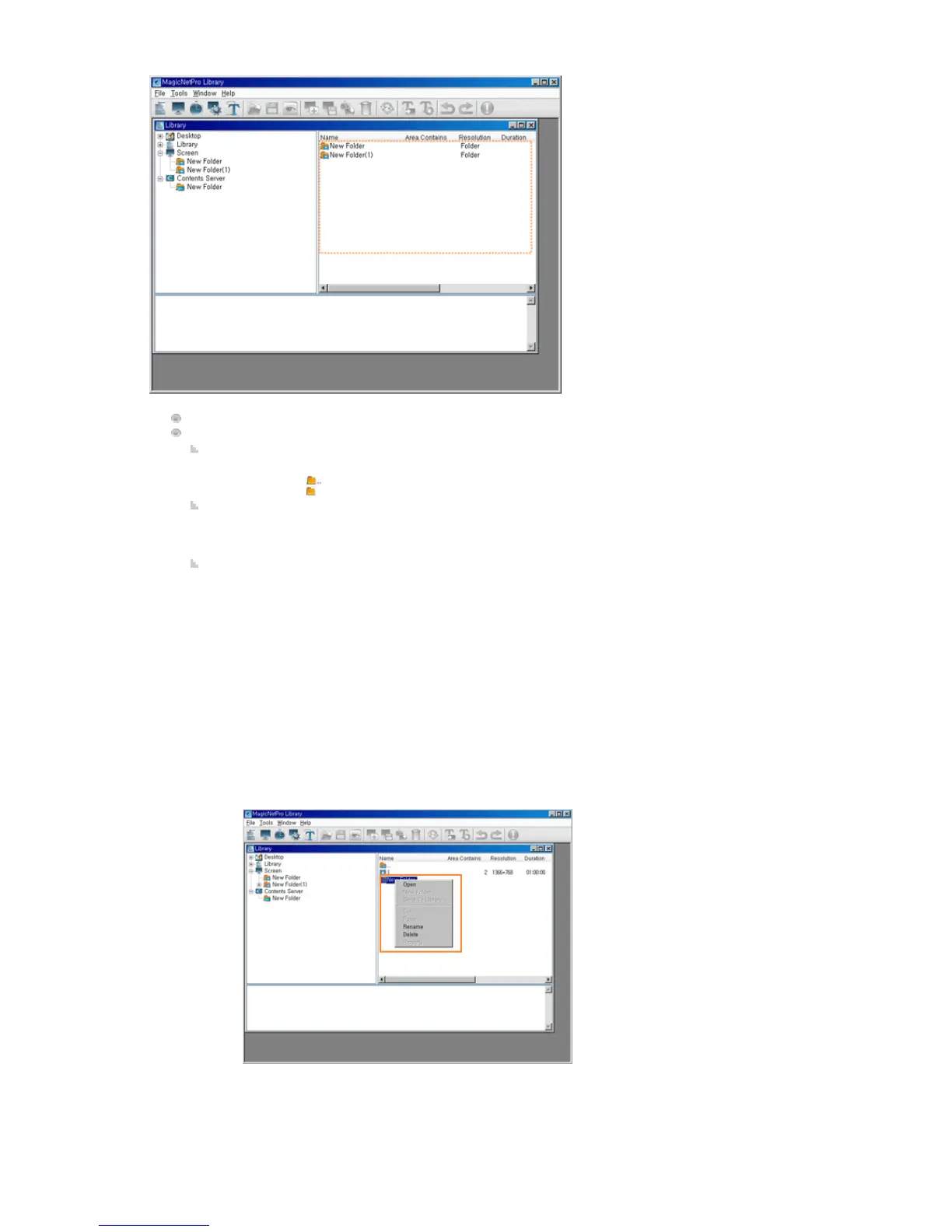
Displays the subfolders and files under the selected folder.
Function:
Double-Click
z
Double-click to move to the upper folder.
z Double-click to move to that lower folder.
Drag & Drop
z
If you drag and drop screen files to a screen folder in the tree view or the list view, they
are moved to that folder. However, the drag & drop function is not supported for folders.
Context Menu
z
Open: If you click Open for a folder, you are moved to that folder. However, this menu
item is deactivated when a screen file is selected.
z
Rename: Renames the selected folder. However, this menu item is not supported for a
screen file.
z
Delete: Deletes the selected screen files and folders. However, if the selection includes
".." which refers to a higher level folder, this menu item is deactivated.







 To Next Page