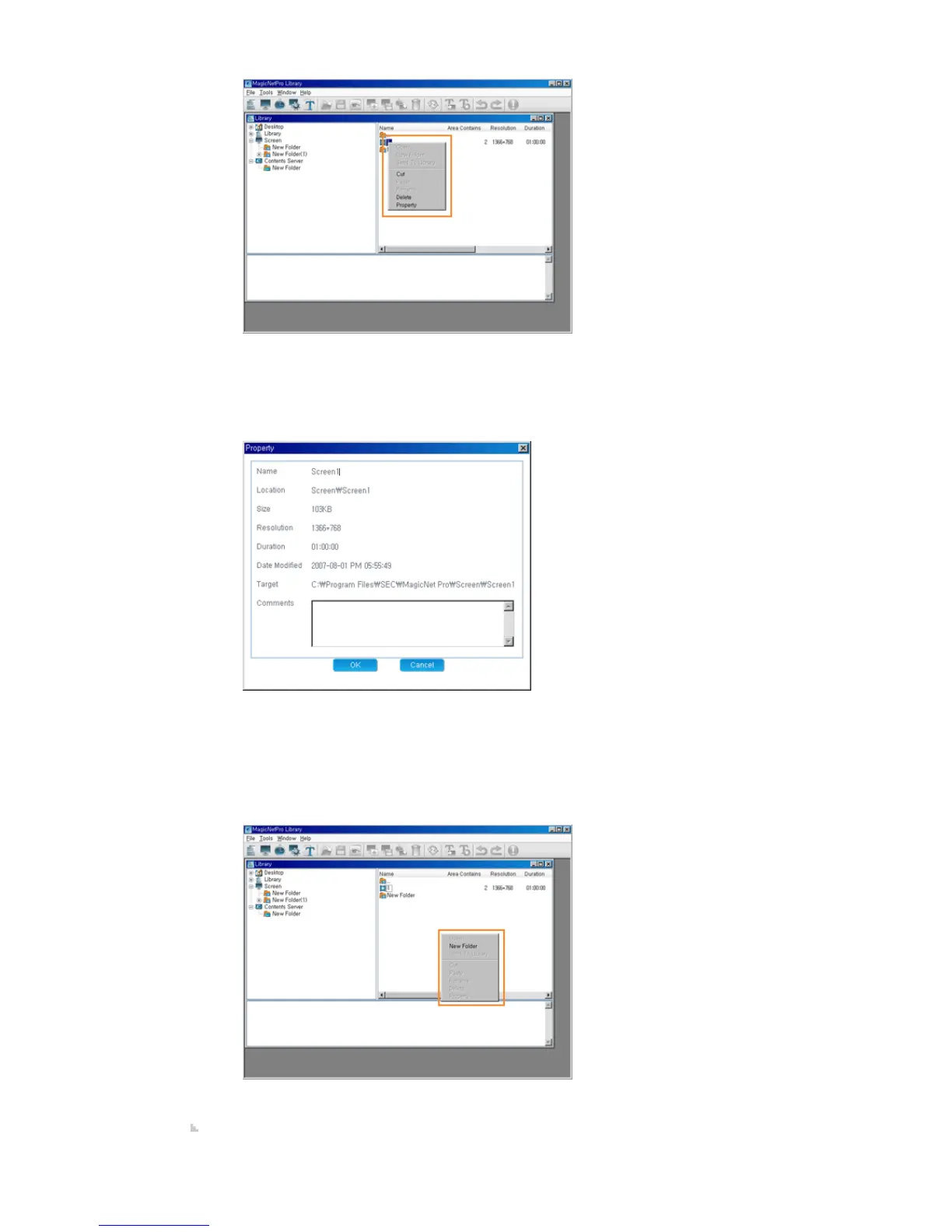
aste them to another
location. However, this menu item is deactivated when a folder is selected.
z
Delete: Deletes the selected screen files and folders. However, if the selection includes
".." which refers to a higher level folder, this menu item is deactivated.
z
Property: Displays detailed information for the selected screen file. You can enter a
comment on it.
- Name: The name of the selected screen
- Location : The location where the selected screen is registered
- Size : The size of the selected screen
- Resolution : The resolution of the selected screen
- Duration : The playing time of the selected screen
- Date Modified : The date when the selected screen was last modified
- Target : The real location of the selected screen.
- Comments : Comments entered by the user for the selected screen. You can edit them.
z
New Folder: This is only activated when neither a folder nor a file is selected. If you
select this menu item, a new folder is created in the selected location.
Hot Key







 To Next Page