•
AV
•
HDMI
•
MagicInfo
•
TV
Note
• The TV menu is available when a TV tuner box is installed.
• MX-2 model can use MagicInfo
menu when mounted Network box.
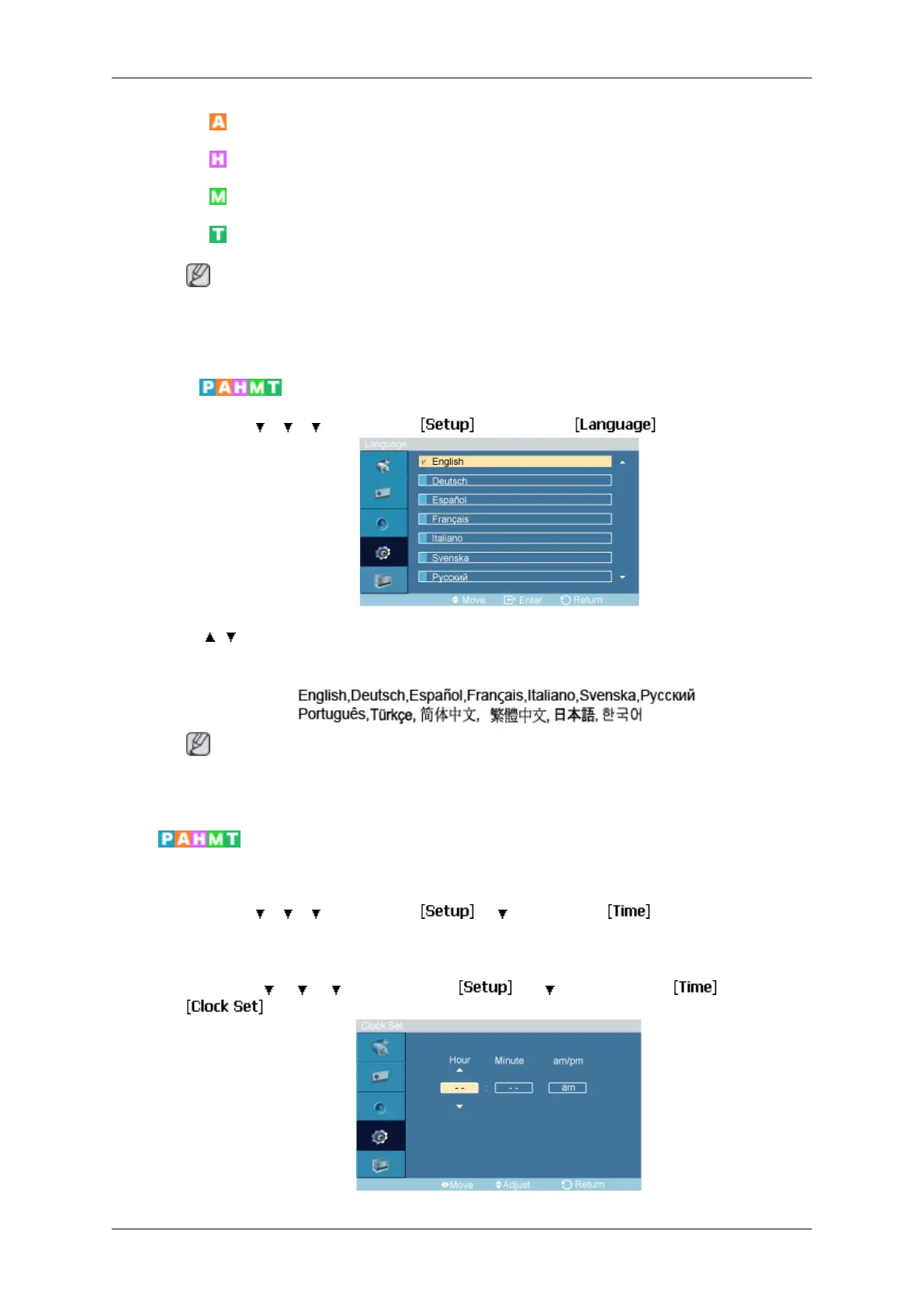
Language
MENU → → → → ENTER → → ENTER →
→ , → ENTER
You can choose one of 13 languages.
Note
The language chosen affects only
the language of the OSD. It has no effect on any software
running on the computer.
Time
Selects from one of 4 time settings, Clock Set, Sleep Timer, On Timer, and Off Timer.
MENU →
→ → → ENTER → → → ENTER →
Clock Set
MENU →
→ → → ENTER → → → ENTER → → ENTER→
Adjusting the LCD Display







 To Next Page