→ , → , → ENTER
Current Time Setting.
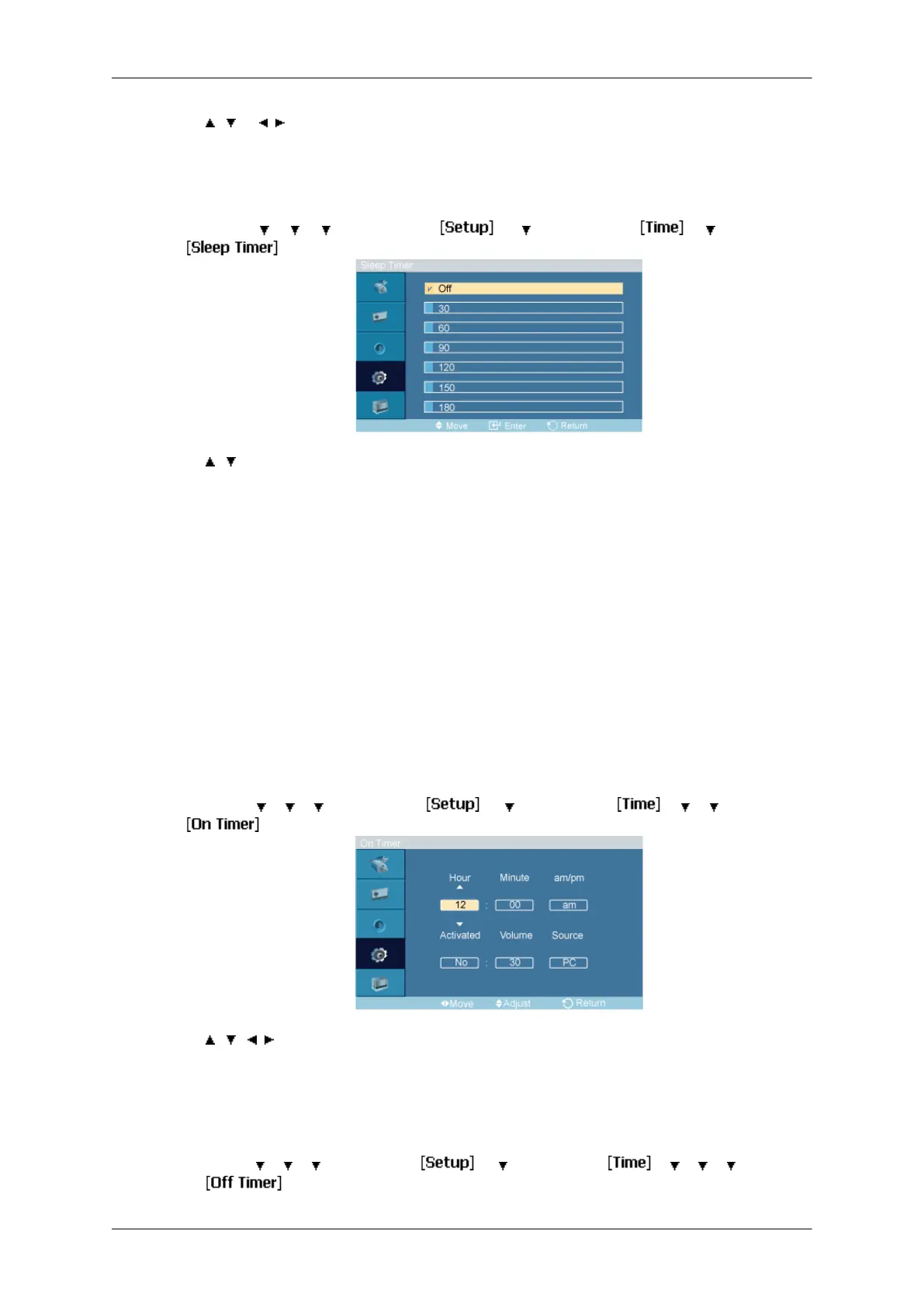
Sleep Timer
MENU → → → → ENTER → → → ENTER → → → ENTER→
→ , → ENTER
Turns the LCD Display off automatically at certain times.
1. Off
2. 30
3. 60
4. 90
5. 120
6. 150
7. 180
On Timer
MENU →
→ → → ENTER → → → ENTER → → → → ENTER→
→ , / , → ENTER
Turns the LCD Display
on automatically at a preset time. Controls the mode and the volume
level at the time the LCD Display turns on automatically.
Off Timer
MENU →
→ → → ENTER → → → ENTER → → → → → ENTER
→
Adjusting the LCD Display







 To Next Page