Sets how many parts the screen should be divided horizontally.
Five adjustment levels: 1, 2, 3, 4, and 5.
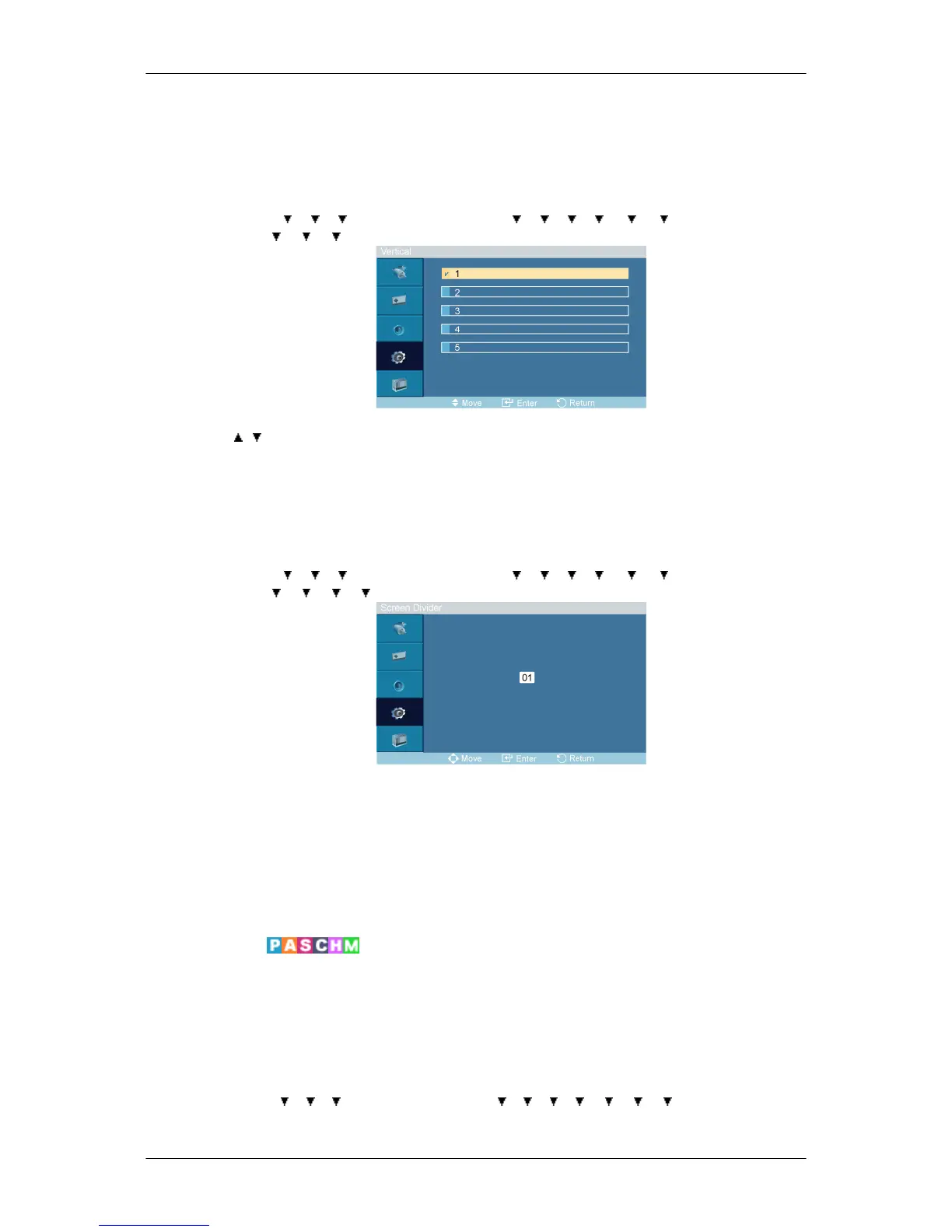
Vertical
MENU → → → → ENTER → [Setup] → → → → → → → ENTER → [Video
Wall ]→ → → → ENTER → [Vertical]
→ , → ENTER
Sets how many parts the screen should be divided vertically.
Five adjustment levels: 1, 2, 3, 4, and 5.
Screen Divider
MENU →
→ → → ENTER → [Setup] → → → → → → → ENTER → [Video
Wall ]→ → → → → ENTER → [Screen Divider]
The screen can be divided into several images. A number of screens can be selected with a different
layout when dividing.
• Select a mode in Screen Divider.
• Select a display in Display Selection.
• The selection will be set up by pressing a number in the selected mode.
Safety Screen
The Safety Screen function is used to prevent afterimages that may appear when a still picture is
displayed on the screen over a long time.
• The Screen Scroll function scrolls the screen for the specified period of time.
• This function is not available when the power is turned off.
MENU → → → → ENTER → [Setup] → → → → → → → → ENTER → [Safety
Screen]
Adjusting the LCD Display







 To Next Page