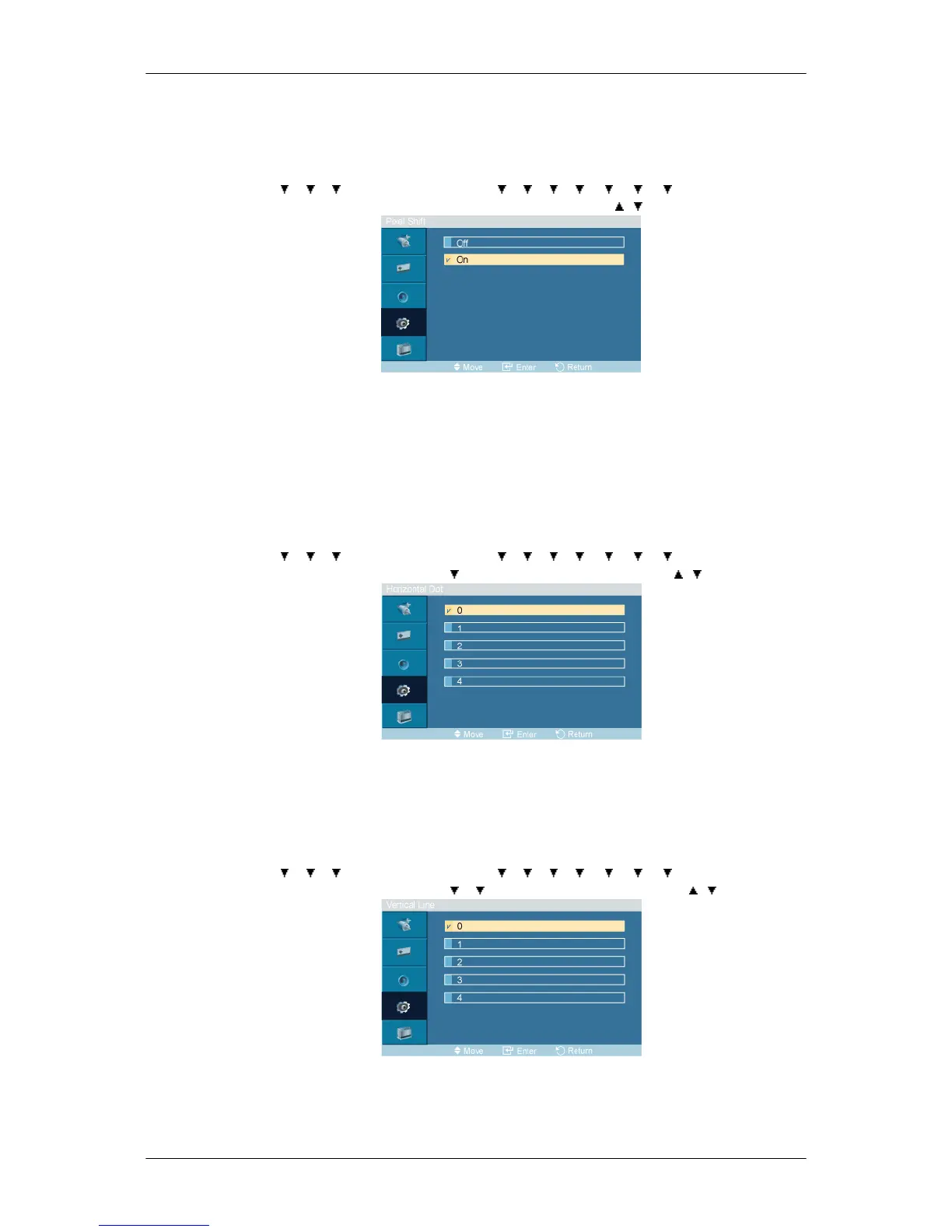
Pixel Shift
Pixel Shift
MENU → → → → ENTER → [Setup] → → → → → → → → ENTER → [Safety
Screen] → ENTER → [Pixel Shift] → ENTER → [Pixel Shift] → , → ENTER
To prevent after-images on the screen you can use this function, so that every minute pixels on the
PDP are moved in horizontal or vertical direction.
1. Off
2. On
Horizontal Dot
MENU →
→ → → ENTER → [Setup] → → → → → → → → ENTER → [Safety
Screen] → ENTER → [Pixel Shift] → → ENTER → [Horizontal Dot] → , → ENTER
Sets how many pixels the screen moves horizontally.
Five adjustment levels: 0, 1, 2, 3, and 4.
Vertical Line
MENU →
→ → → ENTER → [Setup] → → → → → → → → ENTER → [Safety
Screen] → ENTER → [Pixel Shift] → → → ENTER → [Vertical Line] → , → ENTER
Sets how many pixels the screen moves vertically.
Five adjustment levels: 0, 1, 2, 3, and 4.
Adjusting the LCD Display







 To Next Page