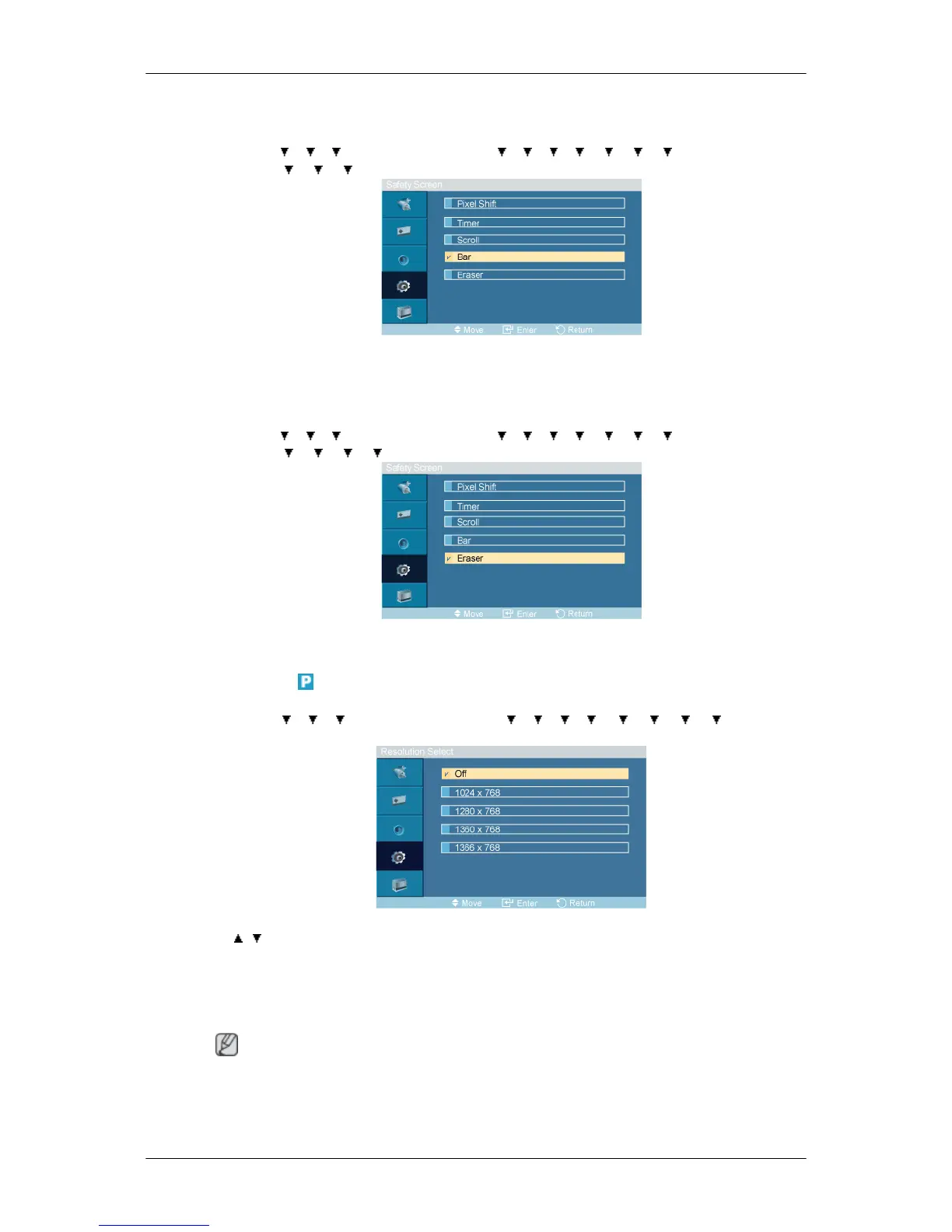
Bar
MENU →
→ → → ENTER → [Setup] → → → → → → → → ENTER → [Safety
Screen] → → → →ENTER → [Bar]
This function prevents after-images on the screen by moving long black and white vertical lines.
Eraser
MENU → → → → ENTER → [Setup] → → → → → → → → ENTER → [Safety
Screen] → → → → →ENTER → [Eraser]
This function prevents after-images on the screen by moving a rectangular pattern.
Resolution Select
MENU → → → → ENTER → [Setup] → → → → → → → → →ENTER →
[Resolution Select ]
→ , → ENTER
When the picture is not displayed properly on the screen when setting the graphics card resolution of
the computer to 1024 x 768 @ 60Hz, 1280 x 768 @ 60Hz, 1360 x 768@ 60Hz or 1366 x768 @ 60Hz,
by using this function(Resolution Select), you can have the picture displayed on the screen in the
specified resolution.
Note
Available in PC mode only
1. Off
Adjusting the LCD Display







 To Next Page