2. 1024 X 768
3. 1280 X 768
4. 1360 x 768
5. 1366 X 768
Note
Selecting the menu is only allowed when the graphics resolution is set to 1024 x 768 @ 60Hz, 1280 x
768 @ 60Hz, 1360 x 768@ 60Hz or 1366 x768 @ 60Hz.
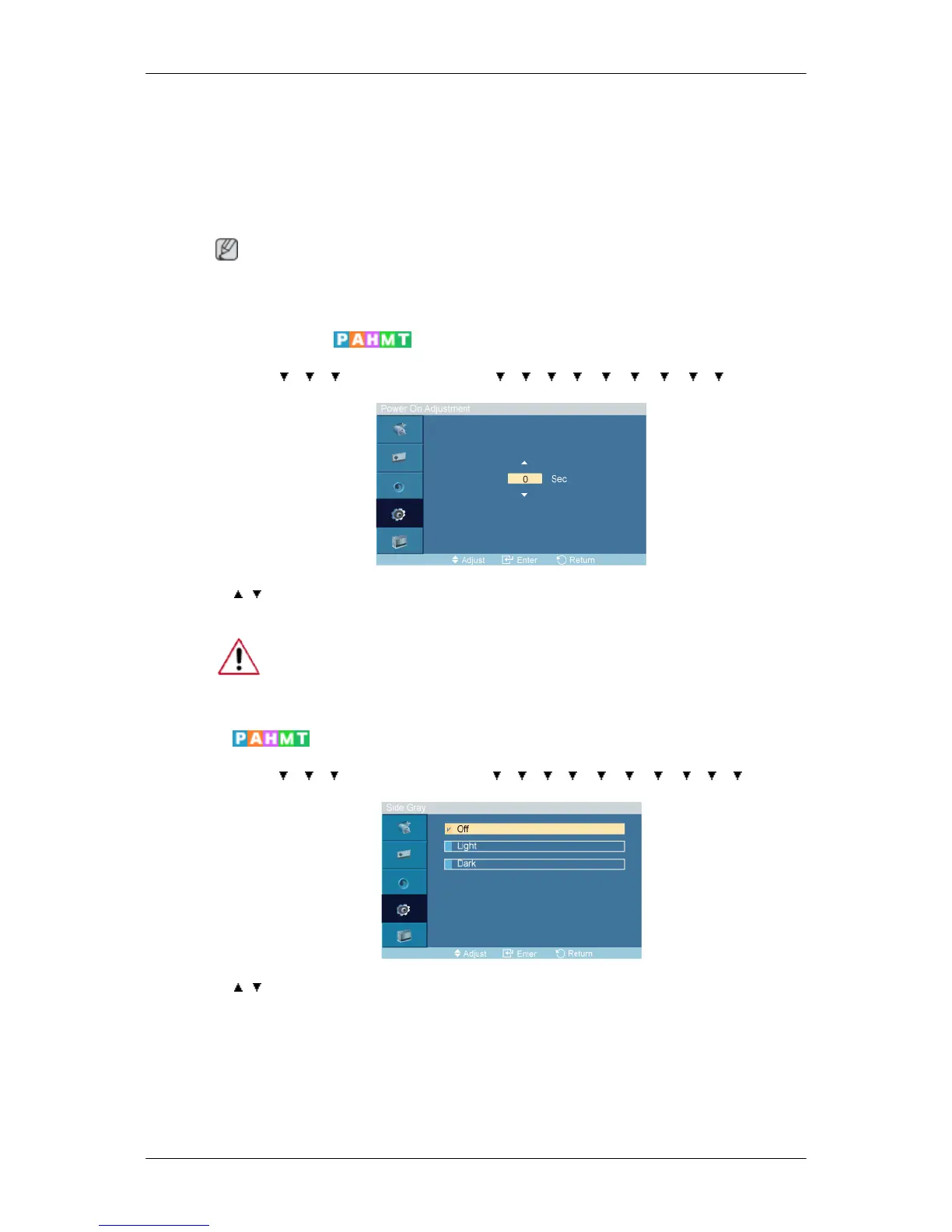
Power On Adjustment
MENU → → → → ENTER → [Setup] → → → → → → → → → → ENTER →
[Power On Adjustment ]
→ , → ENTER
Adjusts the Power On time for the screen.
Caution: Set the Power On time to be loger to avoid overvoltage.
Side Gray
MENU → → → → ENTER → [Setup] → → → → → → → → → → → ENTER
→ [Side Gray]
→ , → ENTER
Select the brightness of the grey for the screen background.
1. Off
2. Light
3. Dark
Adjusting the LCD Display







 To Next Page