2) BNC
3) DVI
4) AV
5) S-Video
6) Component
Note
• MagicNet cannot be renamed.
Picture [PC / BNC / DVI Mode]
Available Modes
PC / BNC / DVI
AV
S-Video
Component
DVI-Video
MagicNet
MagicBright™
[MENU]
→
[
∧
/
∨
]
→
[ENTER]
→
[ENTER]
→
[
∧
/
∨
]
→
[ENTER]
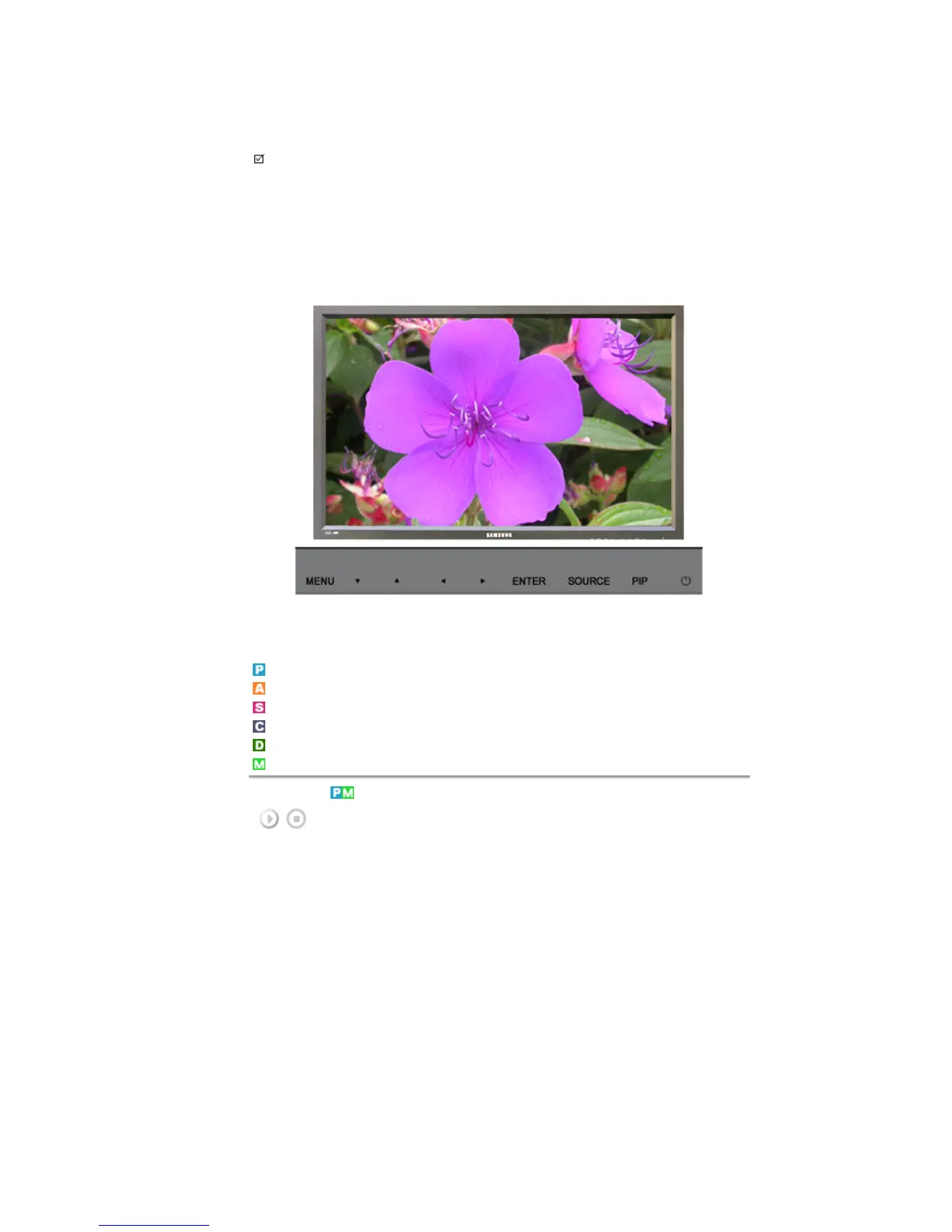
MagicBright™ is a new feature providing the optimum viewing environment depending on the contents of the
image you are watching.
Currently four different modes are available: Entertain, Internet, Text and Custom.
Each mode has its own pre-configured brightness value. You can easily select one of the four settings by
simply pressing the MagicBright™ control button.
1) Entertain
High brightness
For watching motion pictures such as a DVD or VCD.
2) Internet
Medium brightness
For working with a mixture of images such as the text with graphics added.
3) Text
Normal brightness.
For documentations or work involving a lot of text.
4) Custom
Although the values are carefully chosen by our engineers, the pre-configured values may not be
comfortable for your eyes depending on your taste.
If this is the case, Adjusts the brightness and contrast by using the OSD menu.








 To Next Page