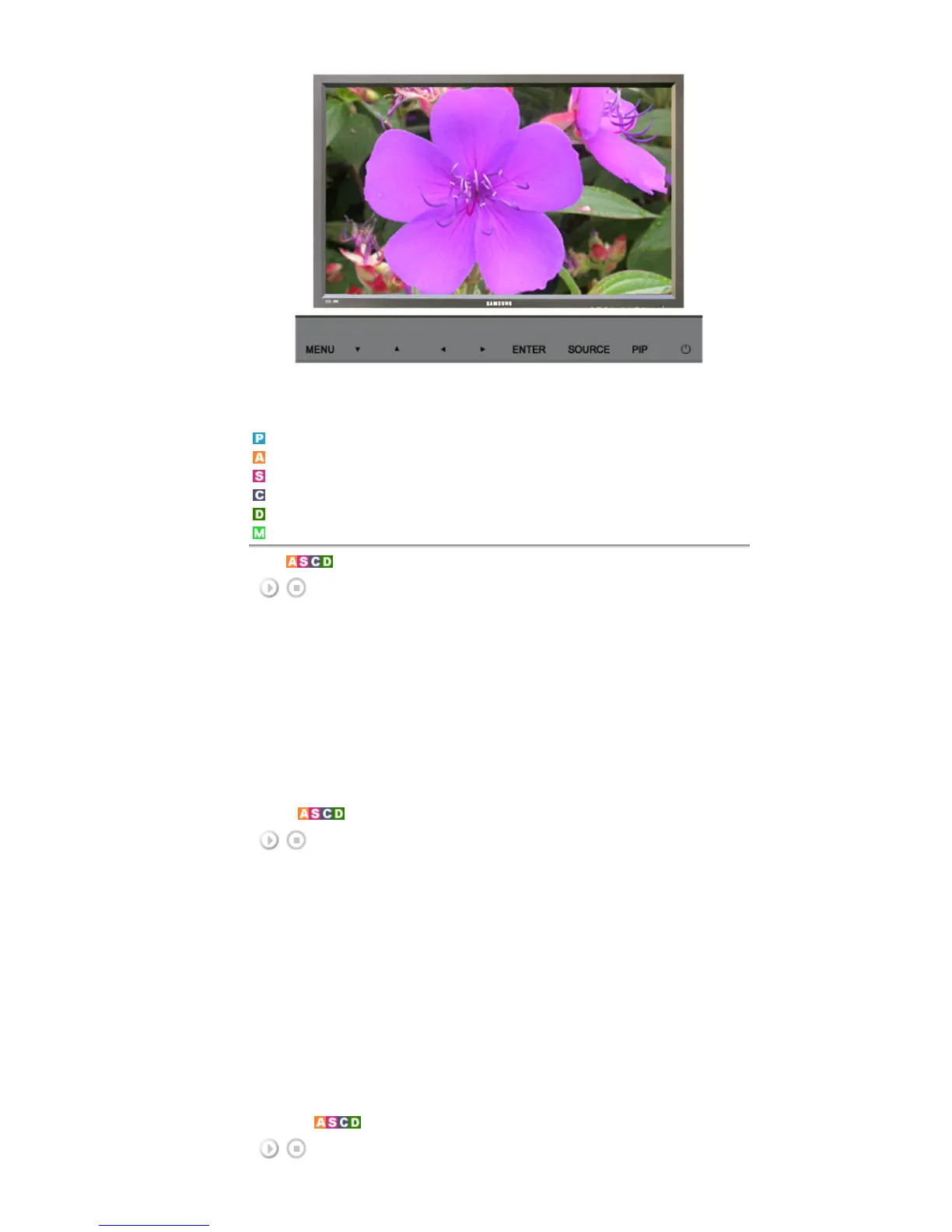
Available Modes
PC / BNC / DVI
AV
S-Video
Component
DVI-Video
MagicNet
Mode
[MENU]
→
[
∧
/
∨
]
→
[ENTER]
→
[ENTER]
→
[
∧
/
∨
]
→
[ENTER]
The LCD Display has four automatic picture settings ("Dynamic", "Standard", "Movie" and "Custom") that are
preset at the factory.
Dynamic, Standard, Movie, or Custom can be activated.
1) Dynamic
2) Standard
3) Movie
4) Custom
[The direct button on the remote control is the 'P.MODE' button.]
Custom
[MENU]
→
[
∧
/
∨
]
→
[ENTER]
→
[
∧
/
∨
]
→
[ENTER]
→
[
∧
/
∨
]
→
[ENTER]
→
[< / >]
→
[ENTER]
By using the on-screen menus, the contrast and brightness can be changed to your personal preference.
1) Contrast
Adjusts the Contrast.
2) Brightness
Adjusts the Brightness.
3) Sharpness
Adjusts the picture sharpness.
4) Color
Adjusts the picture color.
5) Tint
Adds a natural tone to the display.
Operates only for AV and S-








 To Next Page