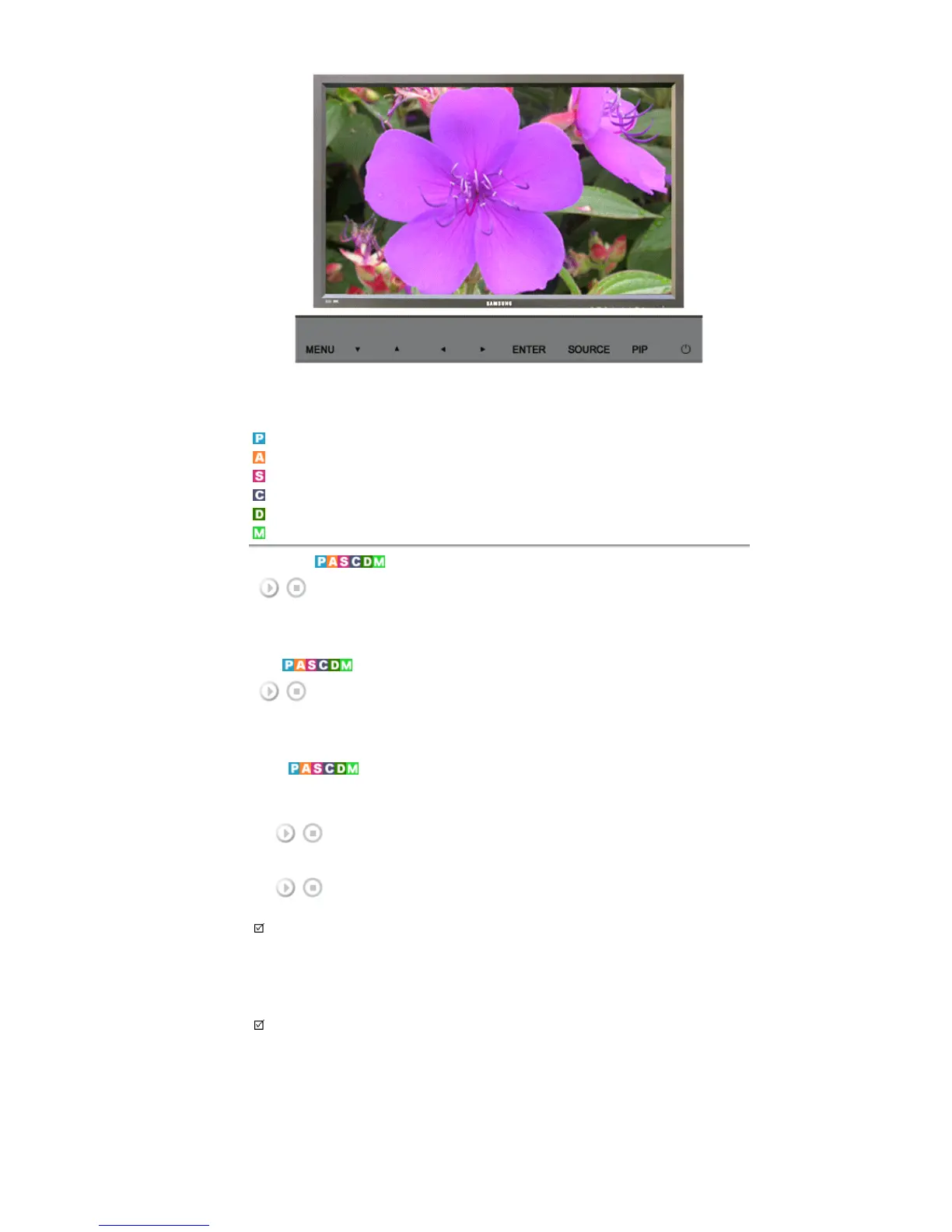
Available Modes
PC / BNC / DVI
AV
S-Video
Component
DVI-Video
MagicNet
MAGICNET
Moves to the MagicNet OSD screen.
MDC
Moves to the Multi Control OSD screen.
LOCK
Sets the Safety Lock function.
1) Lock On
It will be locked.
2) Lock Off
It wil be unlocked.
Note
• When setting the Lock function, you can only operate the power and lock buttons on the remote control
and set.
The preset password on the LCD Display is "0000".
Note
• Resetting the password for the function key lock.
Press INFO
→
EXIT
→
MUTE. The password will be reset to '0000'. The remote control is required for
resetting the password.
MagicNet








 To Next Page