Select Language Main Page
Model
The color and appearance of the product may vary depending on the model, and the product specifications are
subject to change without prior notice for reasons of performance enhancement.
Using the Software
Installation MagicNet
Installation
1. Insert the installation CD into the CD-ROM drive.
2. Click the MagicNet installation file.
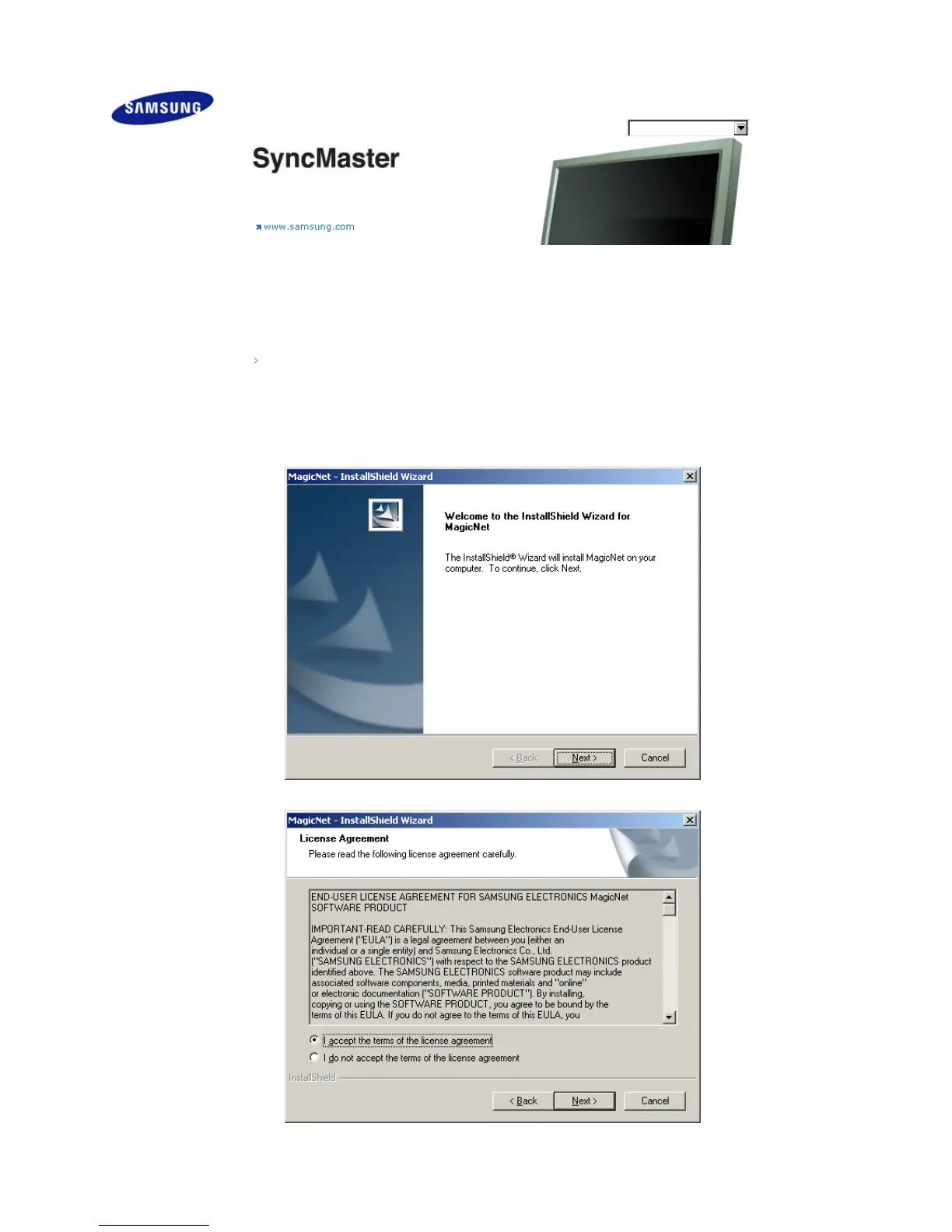
3. When the InstallShield Wizard window appears, click "Next."
4. Select "I agree to the terms of the license agreement" to accept the terms of use.
5. You are required to log in to the MagicNet Server program. Please enter the password to login. The
password cannot be changed when you are logged in.
Safety Instructions
Introduction
Connections
Using the Software
Installation MagicNet
MDC
MagicNet
Adjusting the LCD Display
Troubleshooting
Specifications
Information
Appendix
Dodatak
ǷȘȐȓȖȎȍȕȐȍ
SyncMaster 400PXn/460PXn








 To Next Page