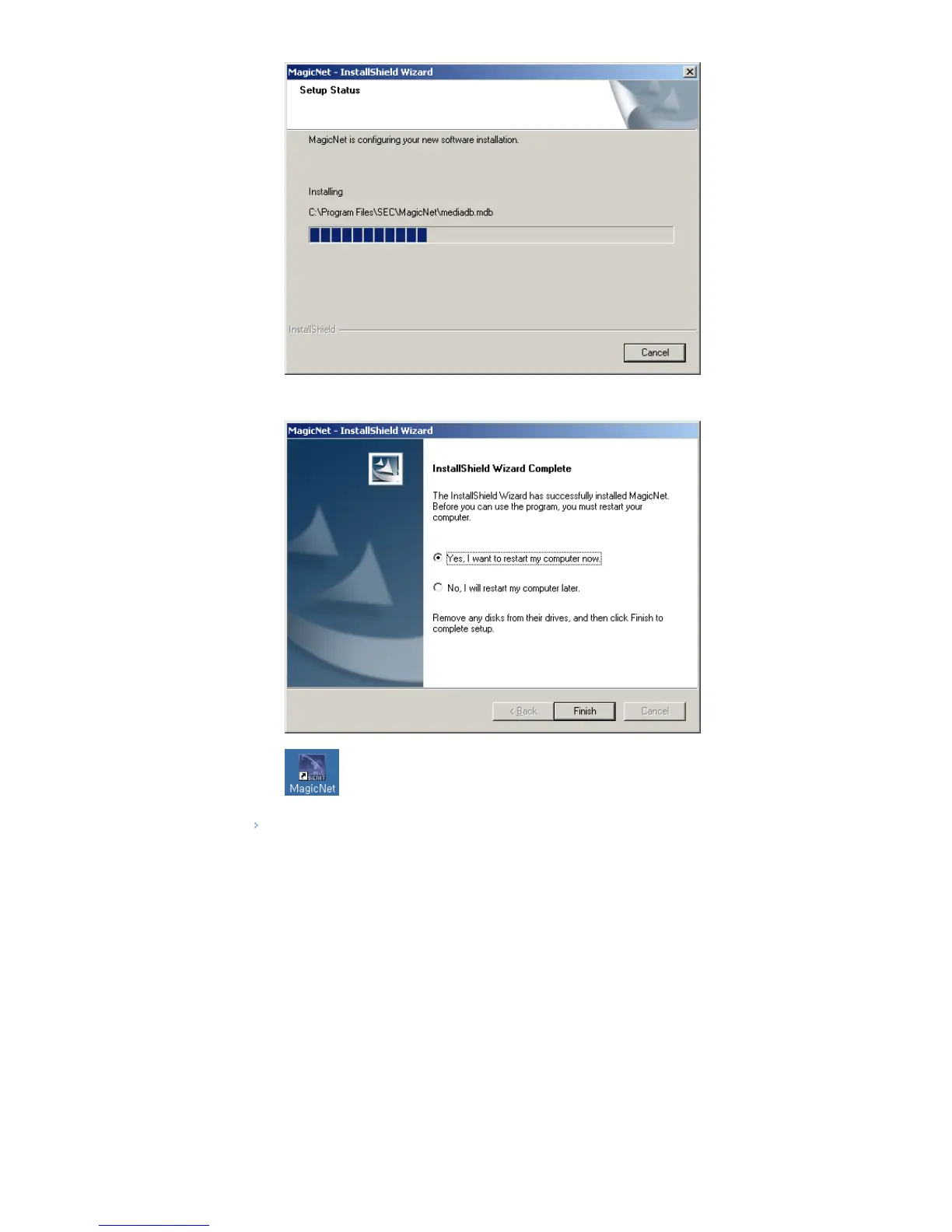
9. It is recommended restarting the system for the normal operation of the MagicNet Server program.
Click "Finish."
10. When the installation is complete, the MagicNet executable icon appears on your desktop.
11. Double-click the icon to start the program.
System Requirements
CPU RAM Ethernet OS Application
Minimum P1.8 256M
100M/1G
Windows XP
Windows 2000
(Service Pack 4)
WMP 9 or later
Recommended P3.0Ghz 512M
© 1995~2007 SAMSUNG. ALL Right Reserved








 To Next Page