Registering / the Schedule
Allows you to register the files to be run on the monitor in advance.
1. Library
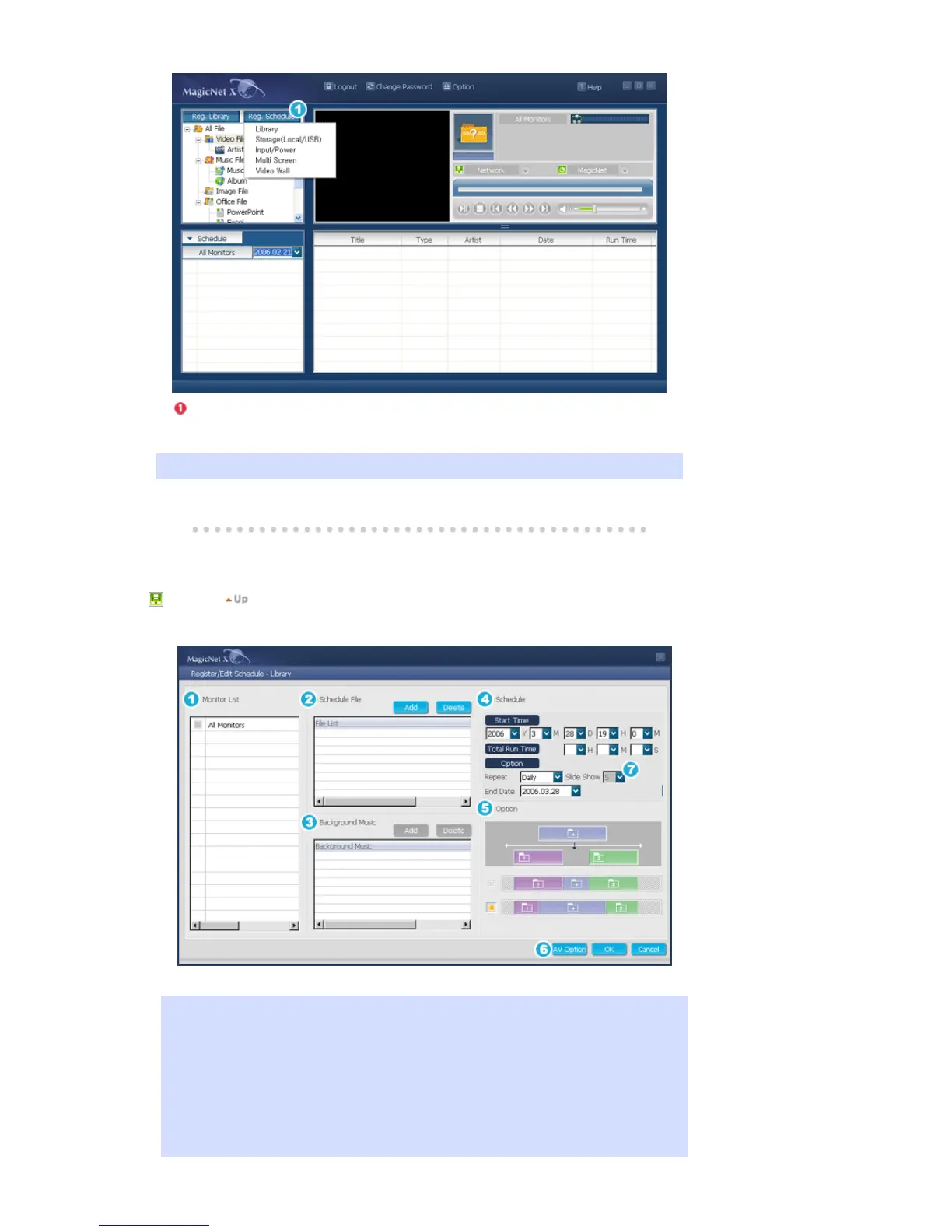
Registering the schedule through the library
Among the files on the server PC, files that are added through the registration procedures in the
library can be registered with the schedule.
1. When selecting a file from among the files already registered, or selecting a random file
from the schedule registration window, the file is selected as a schedule file through the
library registration procedures.
2. When selecting an image file for the schedule file, you can add background music from
among the following music files. If a schedule file is not an image file, the add/delete
button for the background music is not activated.








 To Next Page