{
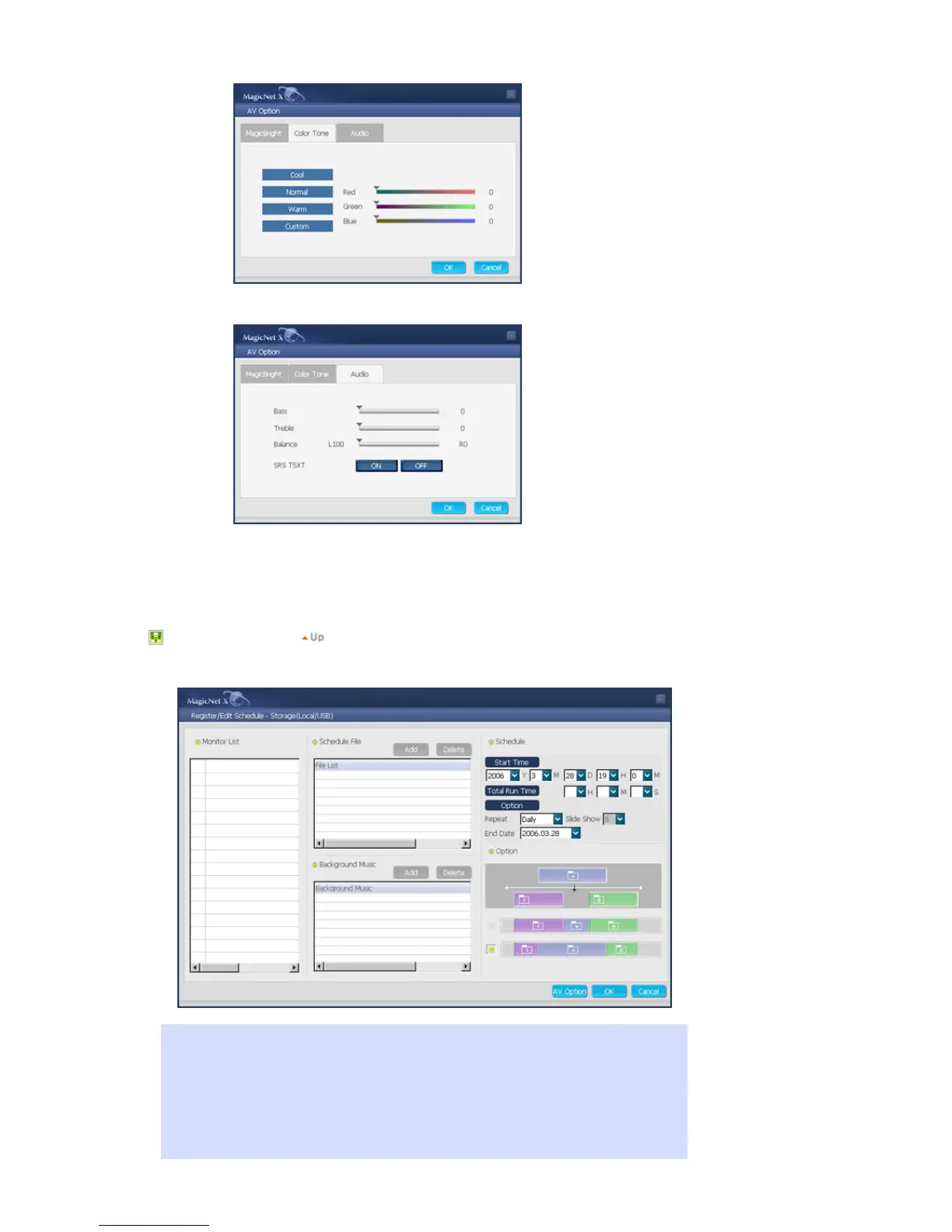
You can configure the settings of Bass, Treble, Balance, and SRS TSXT.
7. Slide Show : Supportable for SyncMaster 320PXn/400P(T)Xn/460PXn only
Determines the slide transition interval for Slide Show.
2. Storage (Local/USB)
Registering the Storage (Local/USB) File Schedule
You can select a file from among the local storage of the monitor, or from the USB connected to
the monitor to register the selected file with the schedule.
1. From the monitor list, select a monitor where the schedule is to be registered. The
add/delete button of the schedule file is only activated when selecting a monitor that is
currently connected to the server.








 To Next Page