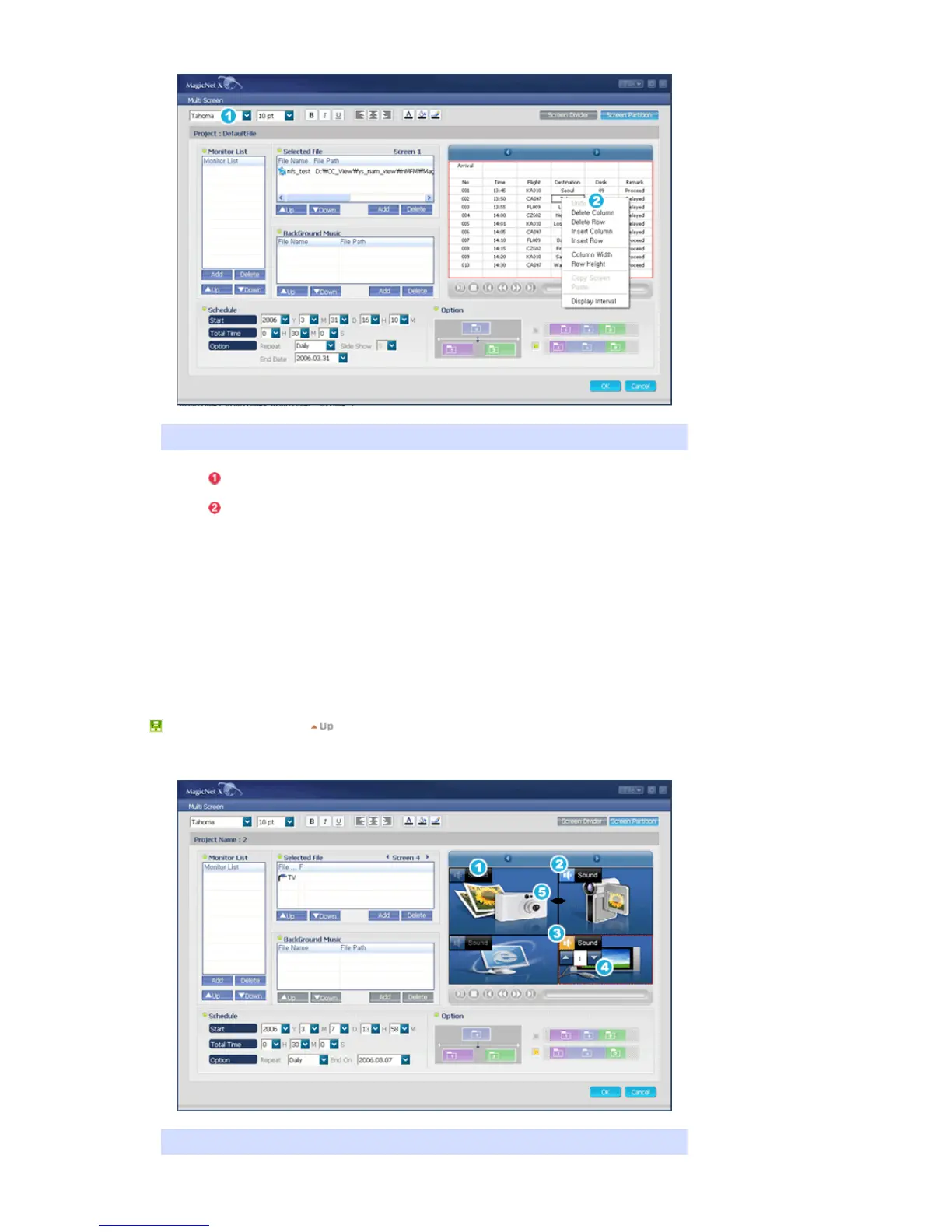
Preview the text (.txt) data item registered in NFS/FTP/Socket/Serial to edit each cell data.
Font/Size/Bold/Italic/Underline/Align Left/Center/Align Right/Text Color/Text
Background/Border Color can be configured.
Right-click in the Preview window to display the Edit List.
z Undo : You can restore the Delete Column, Delete Row, Column Width and Row
Height settings.
z Delete Column : Delete the Column.
z Delete Row : Delete the Row.
z Insert Column : Insert a column.
z Insert Row : Insert a row.
z Column Width : Change the Column Width.
z Row Height : Change the Row Height.
z Copy Screen/Paste : You can split the screen into more multiple screens and
paste edit information from one to another.
z Display Interval : You can change the Display Interval time setting.
4. Multi Screen - Preview : Supportable for SyncMaster 320PXn/400P(T)Xn/460PXn only
Editing the Sound, Channel and Screen Size for Multi Screen.








 To Next Page