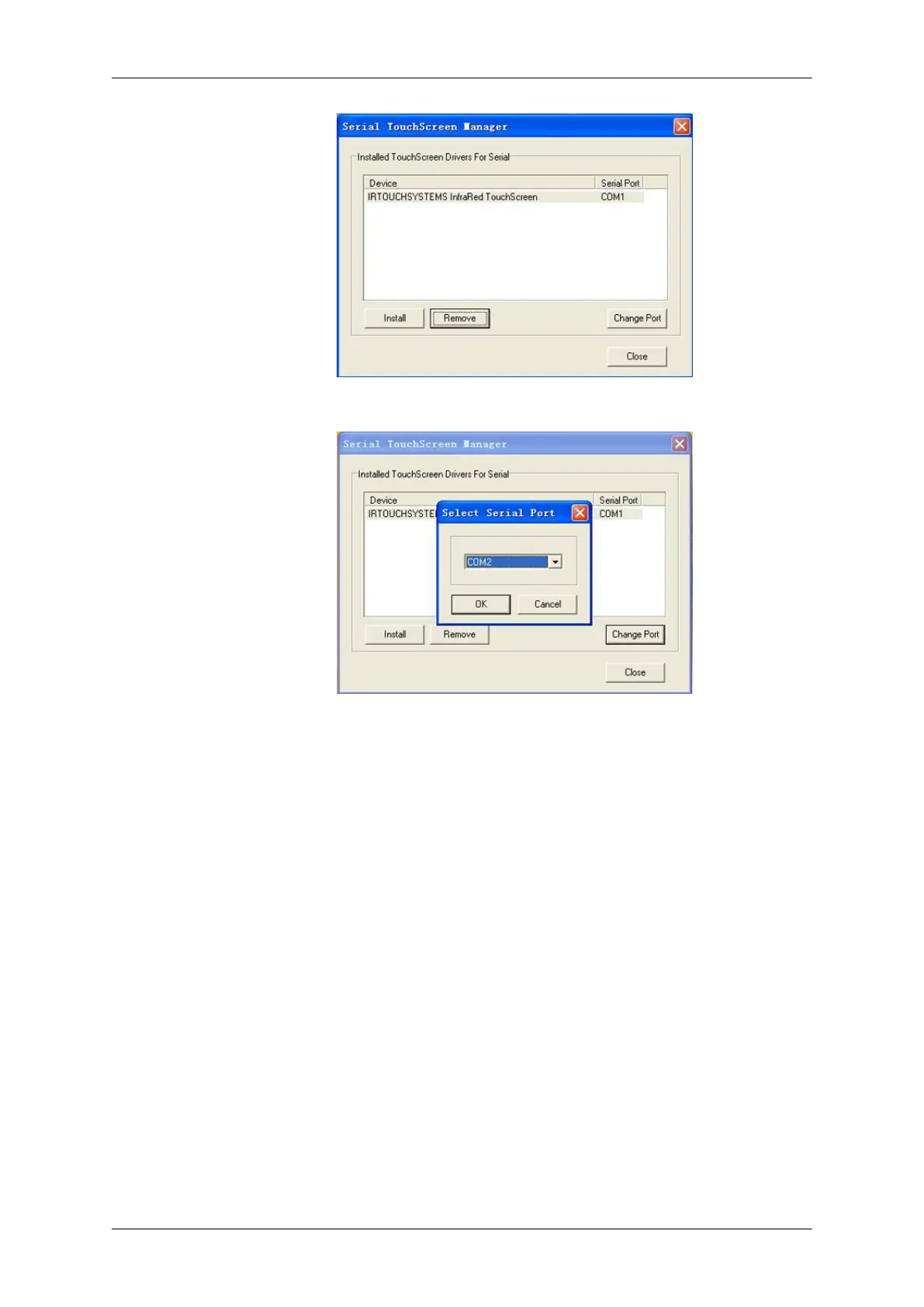
2. Click [Change Port] to set and change setting of the selected Serial Port.
Attachment
The general setting of touchscreen
Select "Mouse Emulation" mode, then choose "Enable Touch" Send Right ClickEnable DoubleClick.
In general functions of Enable Delay Touch and False touch rejection may not selected to avoidslowing
the touch response. It is proved null if you quickly click or drag the touch point.
Using the Software








 To Next Page