(Not available in Dynamic Contrast mode of On.)
1. Dynamic
2. Standard
3. Movie
4. Custom
Note
The direct button on the remote control is the 'P.MODE' button.
Custom
By using the on-screen menus, the contrast and brightness can be changed to your personal preference.
MENU →
→ ENTER → [Picture] → → ENTER → [Custom]
(Not available in Dynamic Contrast mode of On.)
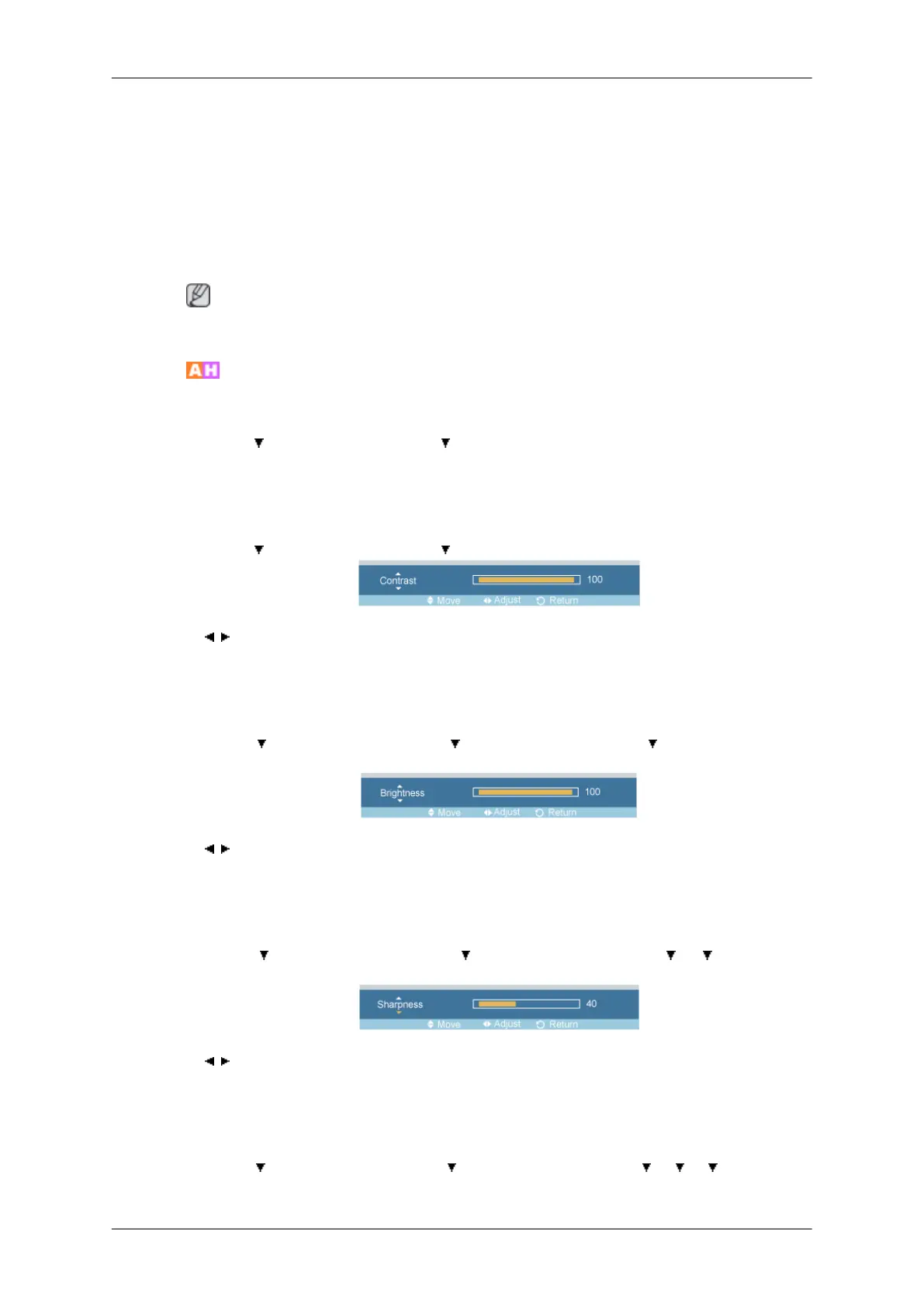
Contrast
MENU → → ENTER → [Picture] → → ENTER → [Custom] → ENTER→ [Contrast]
→ , → ENTER
Adjusts the Contrast.
Brightness
MENU →
→ ENTER → [Picture] → → ENTER → [Custom] → → ENTER → [Bright-
ness]
→ , → ENTER
Adjusts the Brightness.
Sharpness
MENU → → ENTER → [Picture] → → ENTER → [Custom] → → → ENTER →
[Sharpness]
→ , → ENTER
Adjusts the picture Sharpness.
Color
MENU → → ENTER → [Picture] → → ENTER → [Custom] → → → → ENTER →
[Color]
Adjusting the LCD Display








 To Next Page