→ , → ENTER
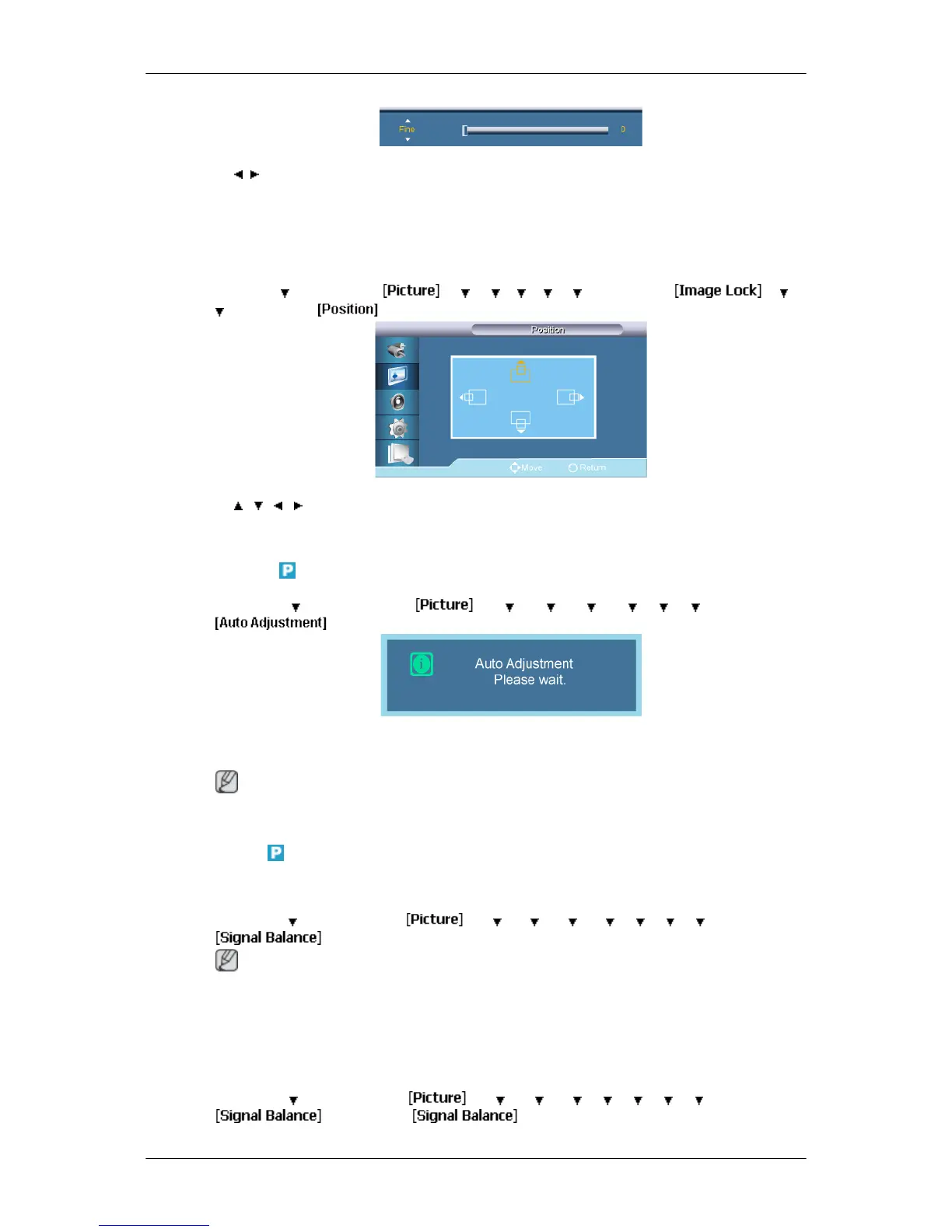
Removes noise
such as horizontal stripes. If the noise persists even after Fine tuning, repeat
it after adjusting the frequency (clock speed).
Position
MENU →
→ ENTER →
→ → → → → → ENTER →
→ →
→ ENTER →
→ , , , → ENTER
Adjusts the screen location horizontally and vertically.
Auto Adjustment
MENU → → ENTER →
→ → → → → → → ENTER →
The values of Fine, Coarse, Position are adjusted automatically. By changing the resolution
in the control panel, the auto function is performed.
Note
Available in PC mode only
Signal Balance
This is used to make up for the weak RGB signal transmitted by a long signal cable.
MENU → → ENTER →
→ → → → → → → → ENTER →
Note
• Not available when Dynamic Contrast
is set to On.
• Available in PC mode only
Signal Balance
MENU →
→
ENTER →
→ → → → → → → →
ENTER →
→ ENTER →
Adjusting the LCD Display



 To Next Page