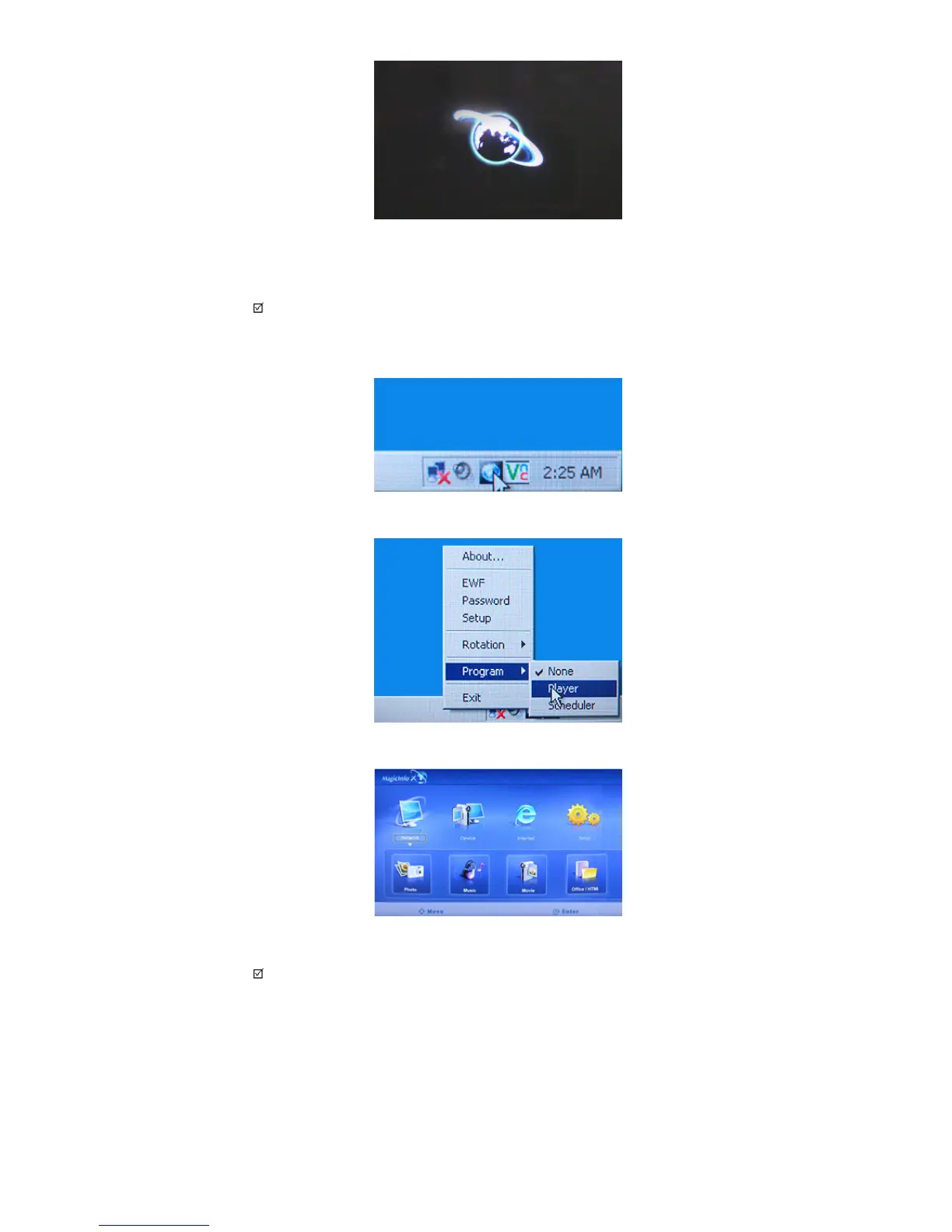
4.Connect your keyboard and mouse and press the “ALT + F12” keys on your keyboard.
5.The Windows Desktop is displayed and the Magicinfo pro icon (the image will be inserted) appears. Move the
cursor over the icon.
Note
• If the
Magicinfo
icon is not displayed on the notification area, double click the
Magicinfo
icon on the
window desktop. The icon will appear.
6.Right-click on the Magicinfo pro icon (the image will be inserted) and select 'Program' --> 'player' from the
displayed menu.
7.The Player screen of Magicinfo pro is displayed.
Note
• To finish the MagicInfo, press ALT + F12.
• To setup MagicInfo on a Windows screen, a keyboard and mouse are required.
• To setup MagicInfo on a Windows screen, refer to the MagicInfo Server Help.
Photo
The JPEG, BMP file format are supported.








 To Next Page