below.
z Internet web site : http://www.samsung.com/ (Worldwide)
http://www.samsung.com/monitor (U.S.A)
http://www.sec.co.kr/monitor (Korea)
http://www.samsungmonitor.com.cn/ (China)
Microsoft
®
Windows Vista™ Operating System
1. Insert your Manual CD into your CD-ROM drive.
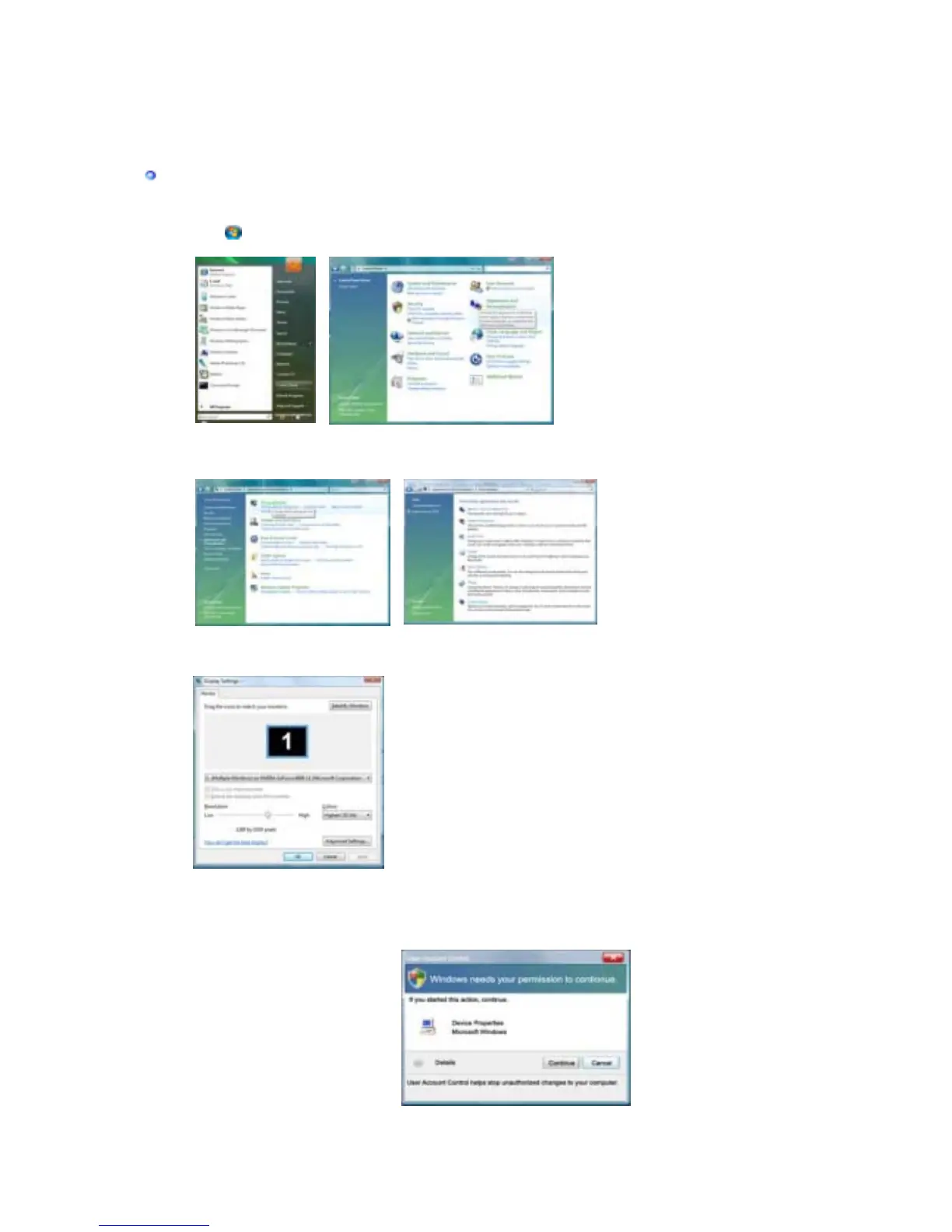
2. Click (Start) and "
Control Panel
". Then, double-click on "
Appearance and
Personalization
".
3. Click "
Personalization
" and then "
Display Settings
".
4. Click "
Advanced Settings…
".
5. Click "
Properties
" in the "
Monitor
" tab. If the "
Properties
" button is deactivated, it
means the configuration for your monitor is completed. The monitor can be used as is.
If the message “
Windows needs…
” is displayed, as shown in the figure below,
click "
Continue
".











 To Next Page