This monitor driver is under certifying MS logo, and this installation doesn't
damage your system.
The certified driver will be posted on Samsung Monitor homepage
http://www.samsung.com/
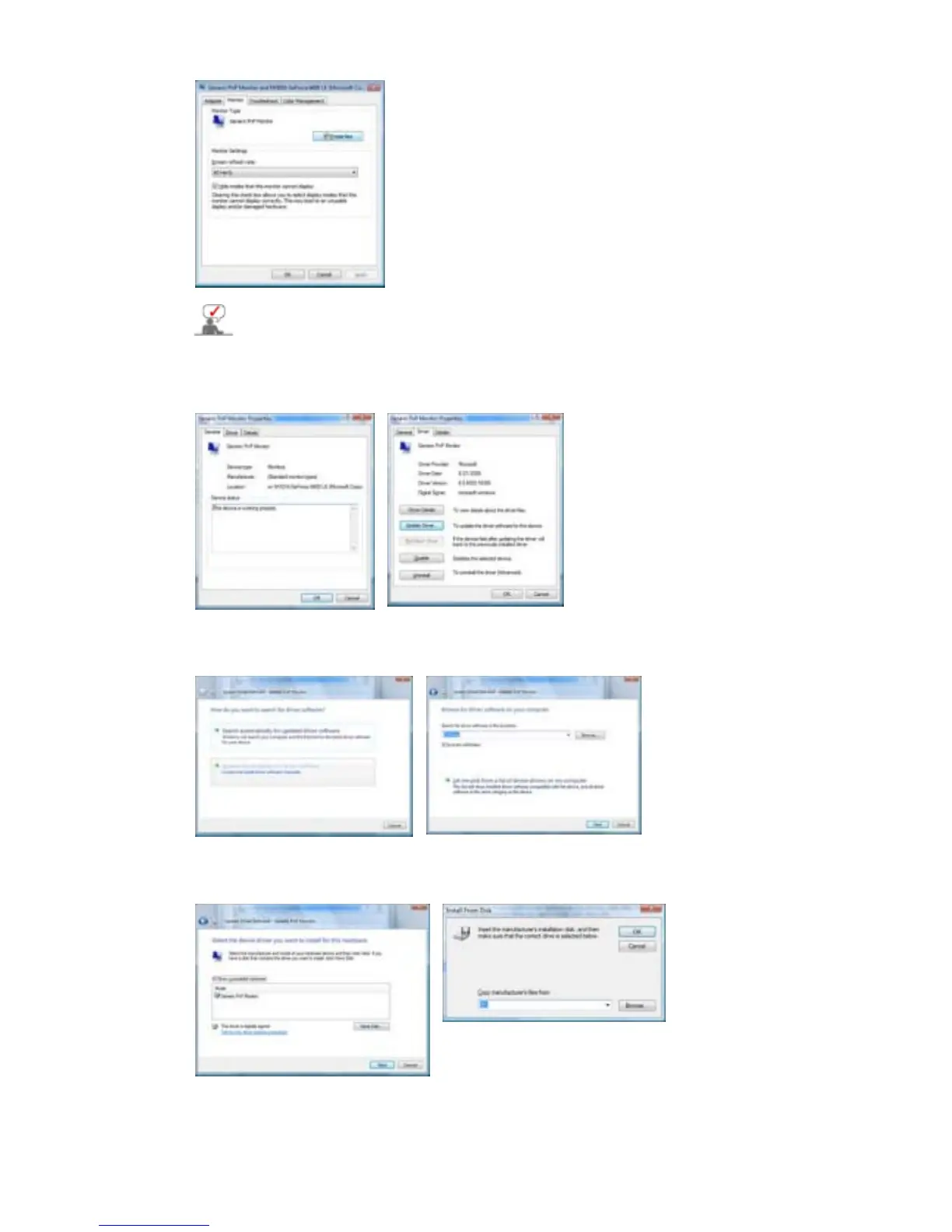
6. Click "
Update Driver…
" in the "
Driver
" tab.
7. Check the "
Browse my computer for driver software
" checkbox and click "
Let me
pick from a list of device drivers on my computer
".
8. Click "
Have Disk…
" and select the folder (for example, D:\Drive) where the driver setup
file is located, and click "
OK
".
9.
Select the model that matches your monitor from the list of monitor models on the
screen, and click "
Next
".











 To Next Page