1/7/2003file://\\
klee\en
ko\ko\setu
\se
drive.ht
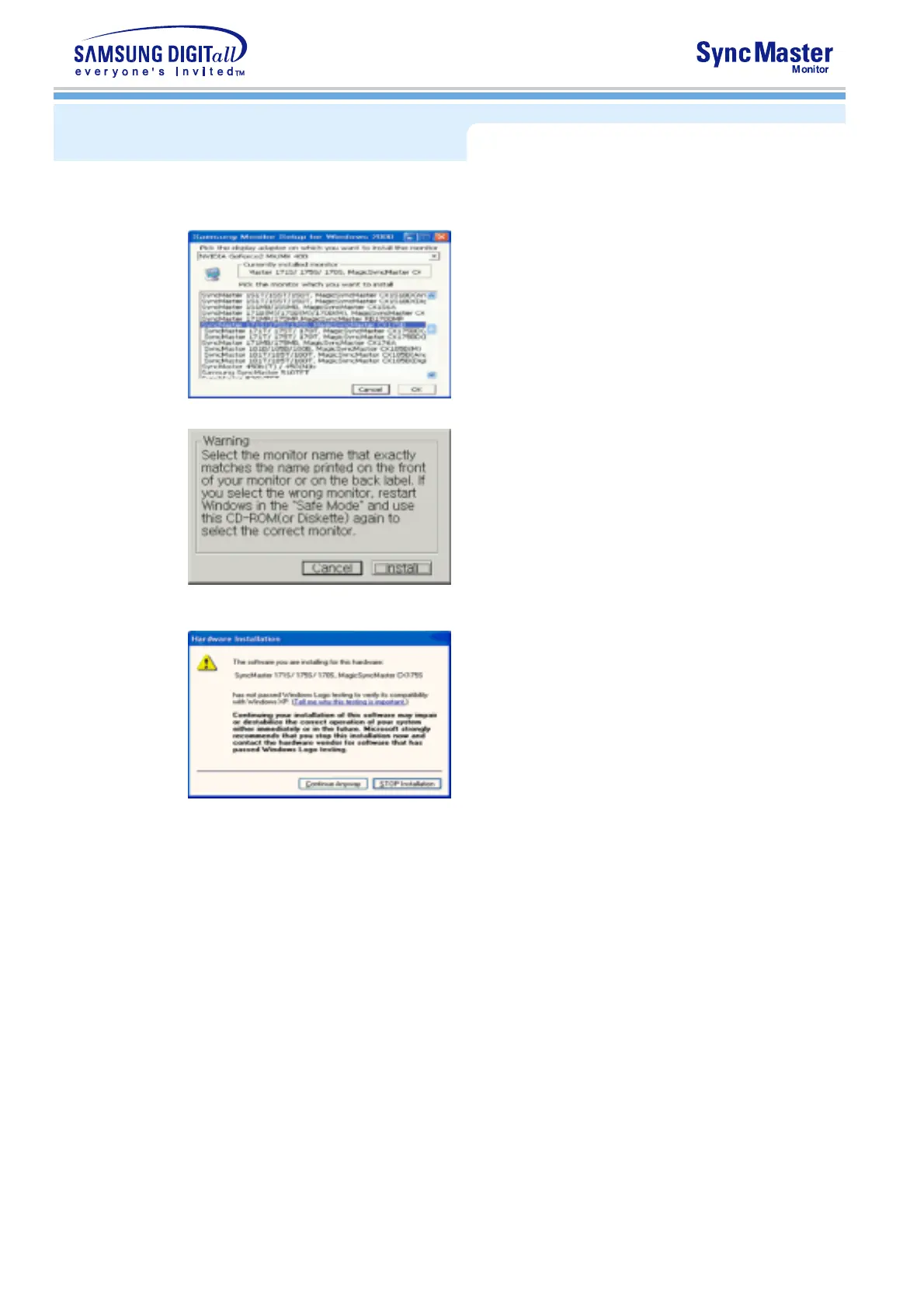
4. Click the "
Install
" button in the "
Warning
" window.
5. If you can see following
"Message"
window, then click the
"Continue Anyway"
button.
Then click
"OK"
button.
* This monitor driver is under certifying MS logo,and this installation don't damage your
system.The certified driver will be posted on Samsung Monitor Homepage
http://www.samsung-monitor.com/.
6. Monitor driver installation is completed.
Installing the Monitor Driver









 To Next Page