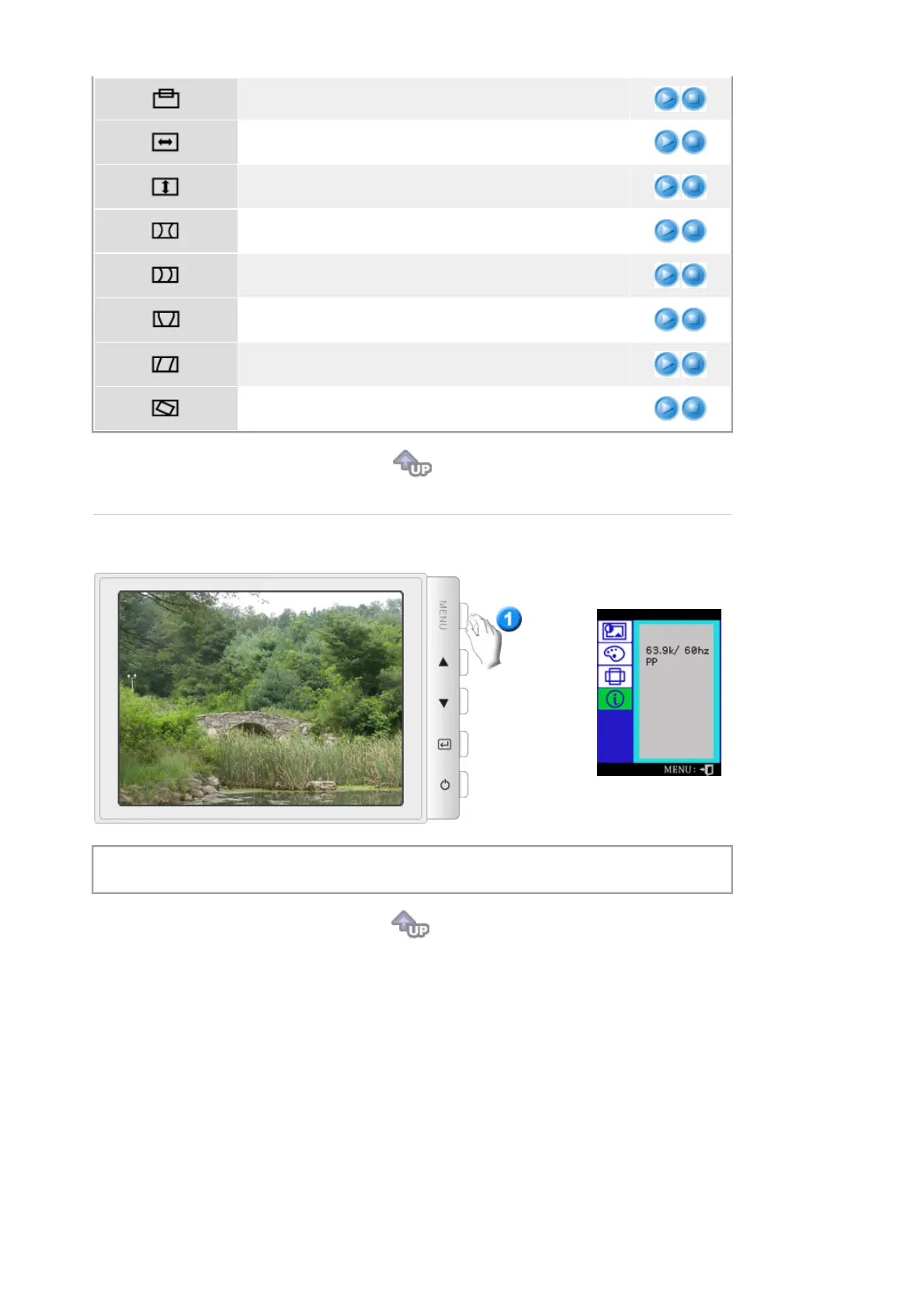
monitor's entire display.
Follow these instructions to change the horizontal size of the
monitor's entire display.
Follow these instructions to change the vertical size of the
monitor's entire display.
Adjust the pincushion setting when the sides of the display
are bowed in or bowed out.
Adjust the pinbalance setting when the sides of the display
are bowed towards the left or right.
Adjust the trapezoid setting when the top or bottom of the
display is too large or small.
Adjust the parallelogram setting when the display is leaning
left or right.
Adjust the rotation setting when the entire display is tilted left
or right.
Provides information about the display timing and sync signals polarity(user mode).
Note
: These screens do not allow any changes to the settings, they are for information only.












 To Next Page