Gamma
Select one of three pre-defined gammas.
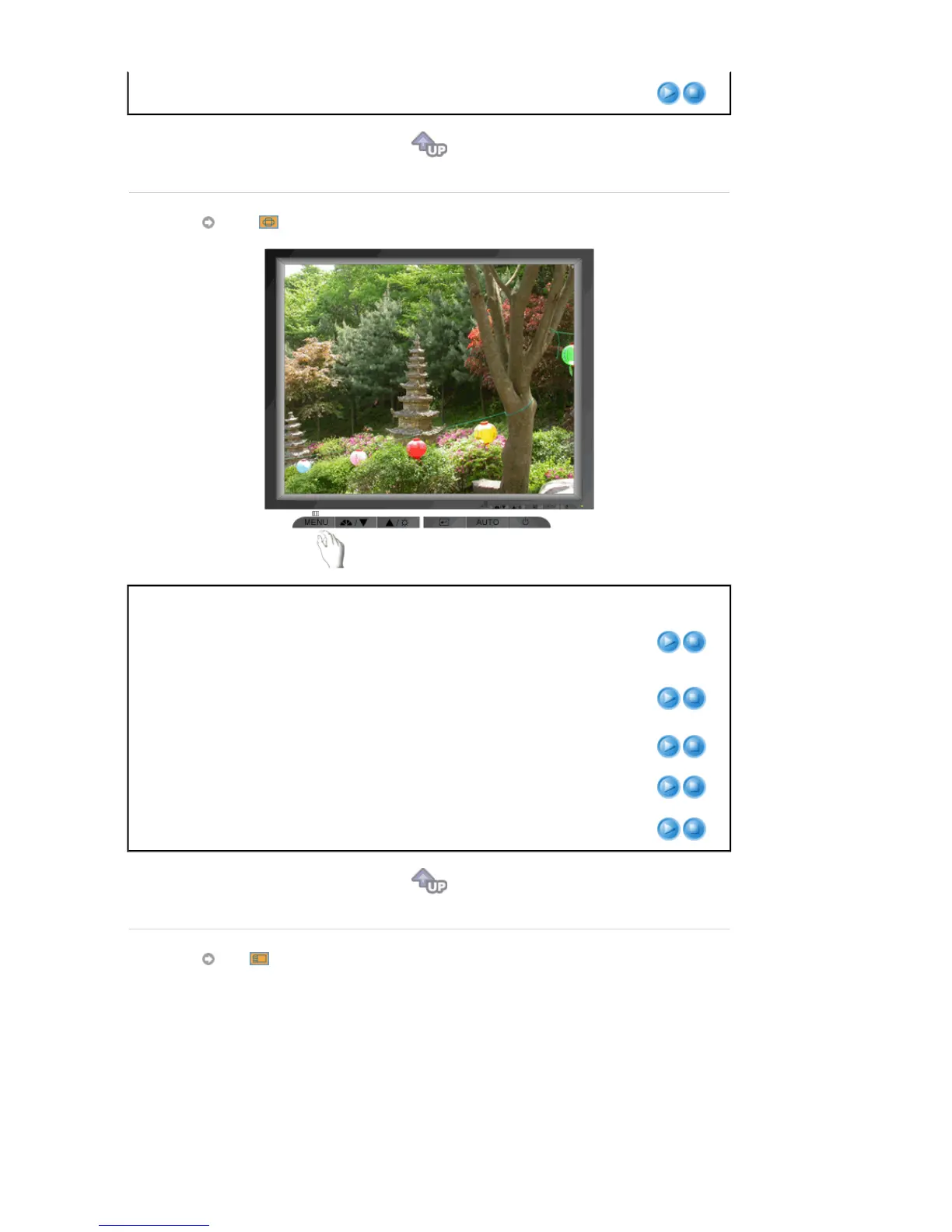
Image
Menu Description Play/Stop
Coarse
Removes noise such as vertical stripes. Coarse
adjustment may move the screen image area. You may
relocate it to the center using the Horizontal Control menu.
Fine
Removes noise such as horizontal stripes. If the noise
persists even after Fine tuning, repeat it after adjusting the
frequency (clock speed).
Sharpness
Follow these instuction to change the clearance of image.
H-Position
Follow these instructions to change the horizontal position
of the monitor's entire display.
V-Position
Follow these instructions to change the vertical position of
the monitor's entire display.
OSD








 To Next Page