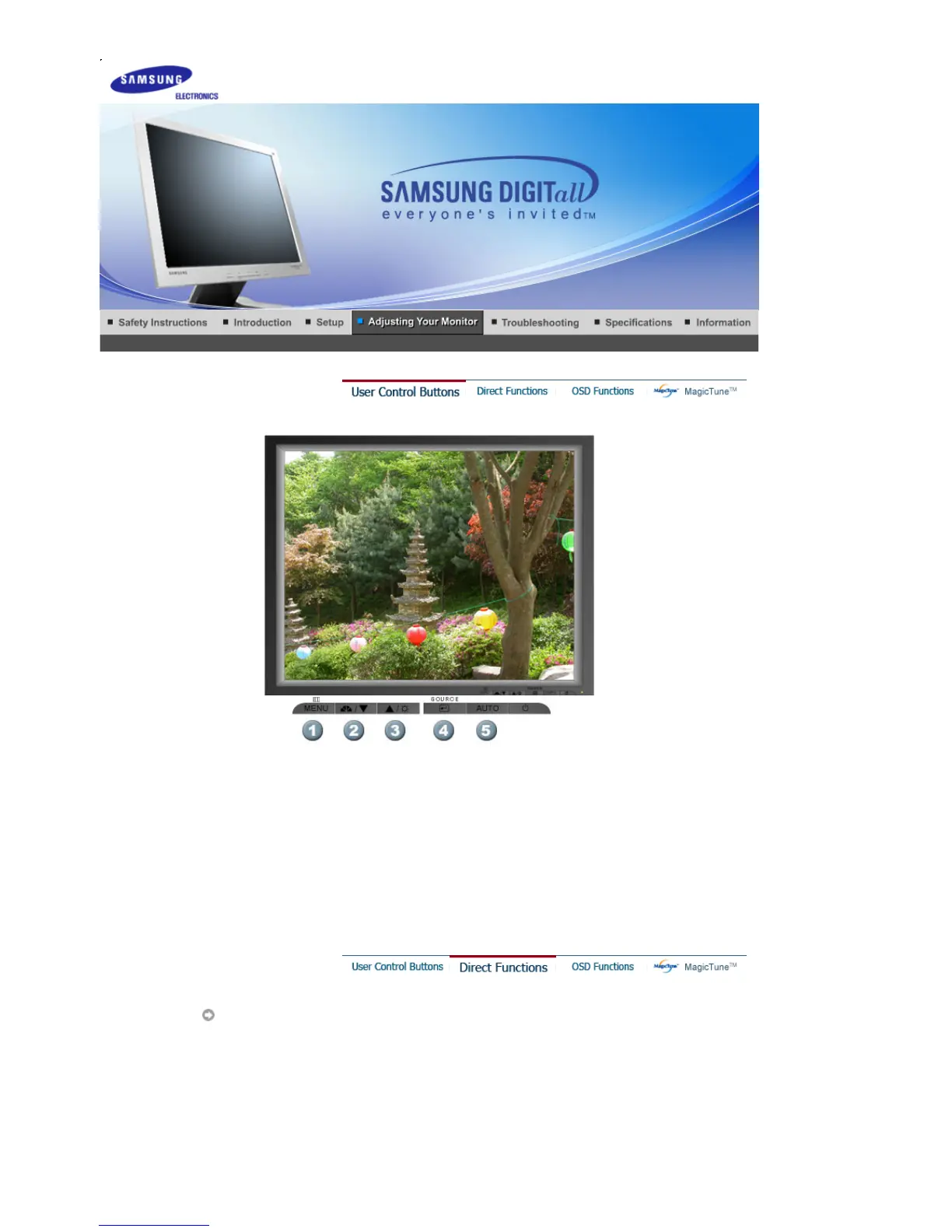
1.
Use this button for open the on-screen menu and exits from the menu screen or closes screen
adjustment menu.
2.
This buttons allows you to adjust items in the menu.
3.
This buttons allows you to adjust items in the menu.
4.
Press this button activates a highlighted menu item.
5.
Press to self-adjust to the incoming PC signal. The values of fine,coarse and position are
adjusted automatically.
AUTO
SyncMaster 912T








 To Next Page