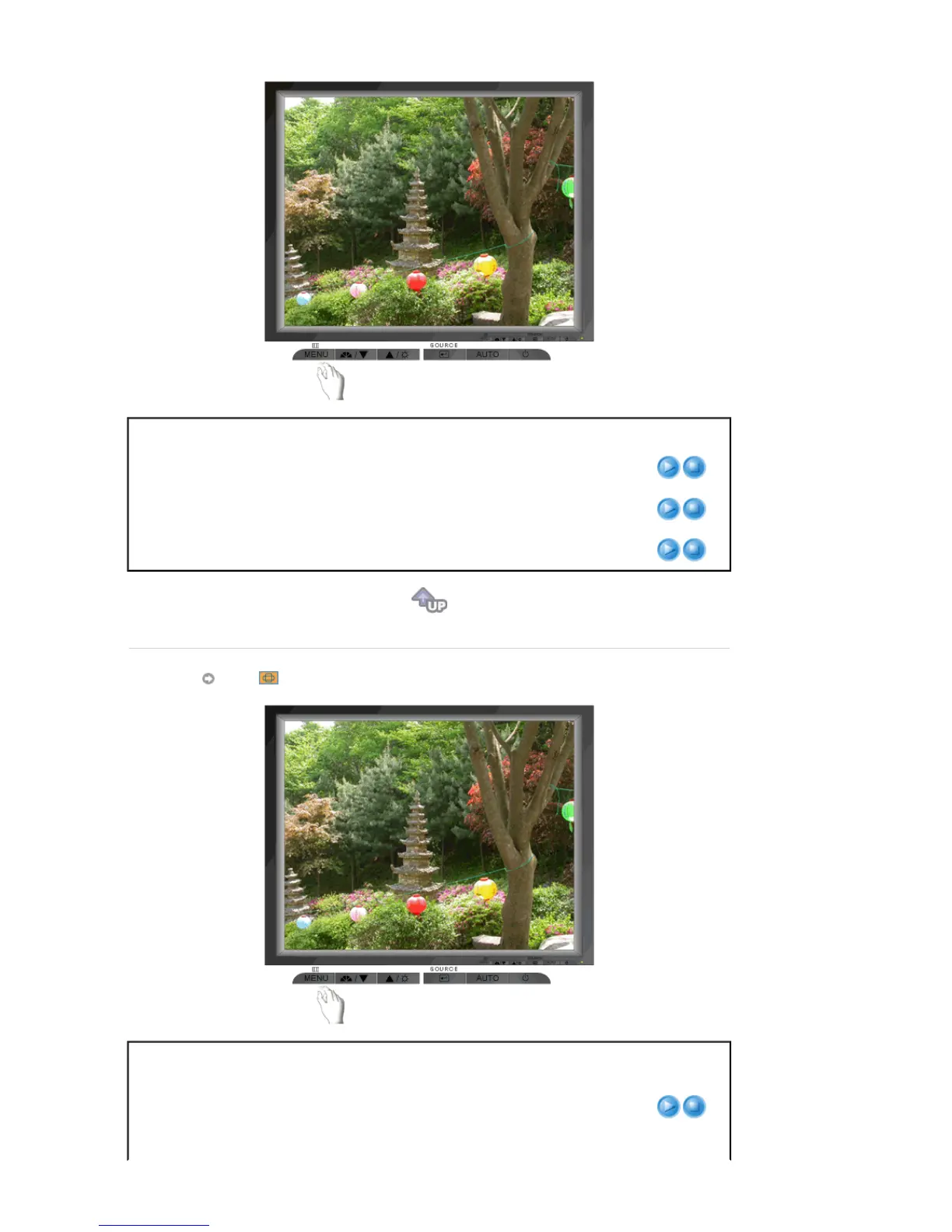
Menu Description Play/Stop
Color Tone
The tone of the color can be changed and one of four
modes can be selected - Cool, normal, Warm and Custom.
Color Control
Follow these steps to adjust individual R,G,B color
balance.
Gamma
Select one of three pre-defined gammas.
Image
Menu Description Play/Stop
Coarse
Removes noise such as vertical stripes. Coarse
adjustment may move the screen image area. You may
relocate it to the center using the Horizontal Control menu.
(Available in analog Mode Only)








 To Next Page