Menu Description
Locked
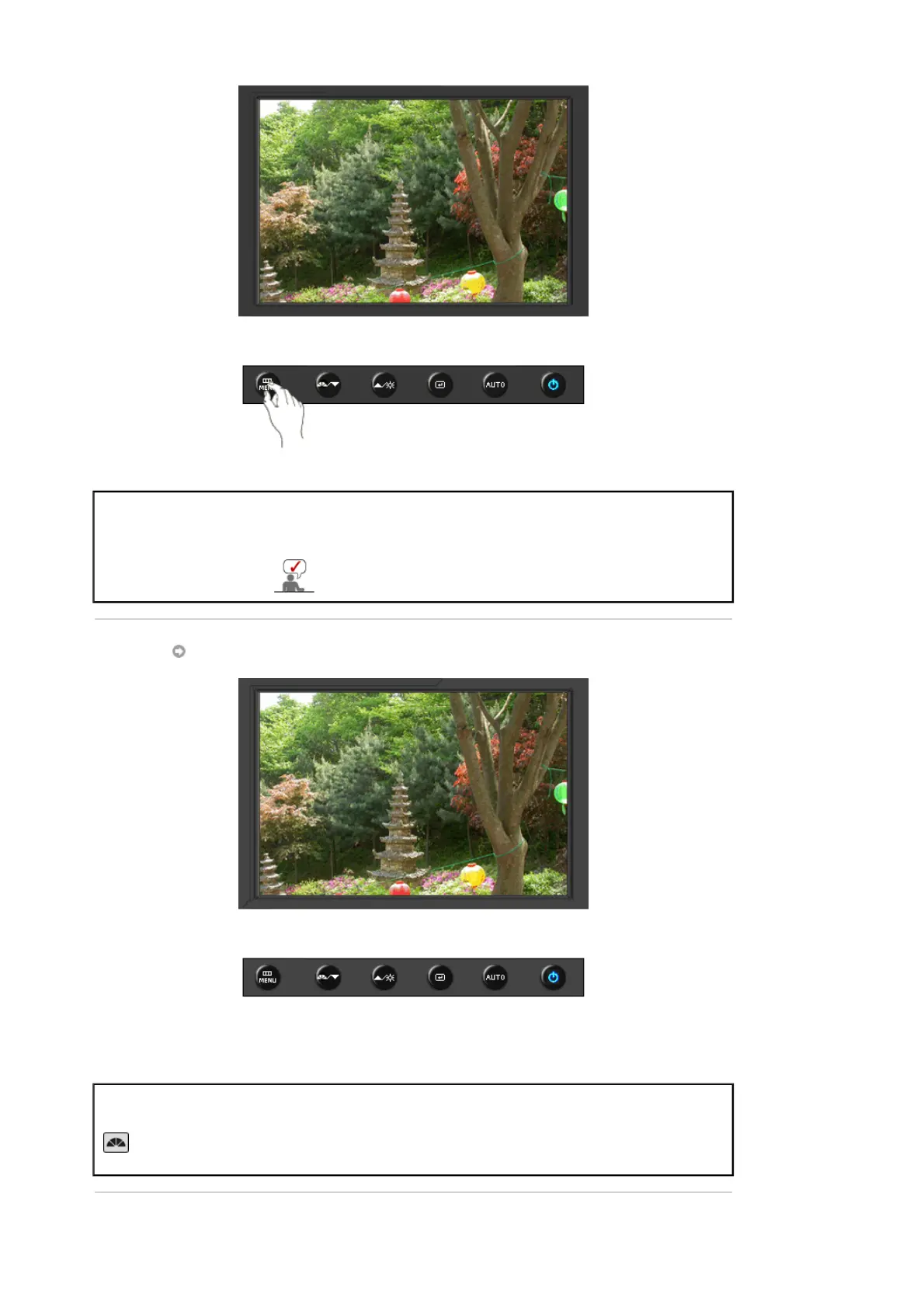
After pushing the "MENU" button more than 5 seconds, OSD function is
locked (unlocked).
You can adjust only the brightness and contrast of the
monitor with the OSD adjustment locking feature.
MagicBright™
Menu Description
MagicBright™
Push the MagicBright button to circle through available preconfigured
modes.
- Six different modes (Custom/Text/Internet/Game/Sport/Movie)







 To Next Page