3-4 Using the Product
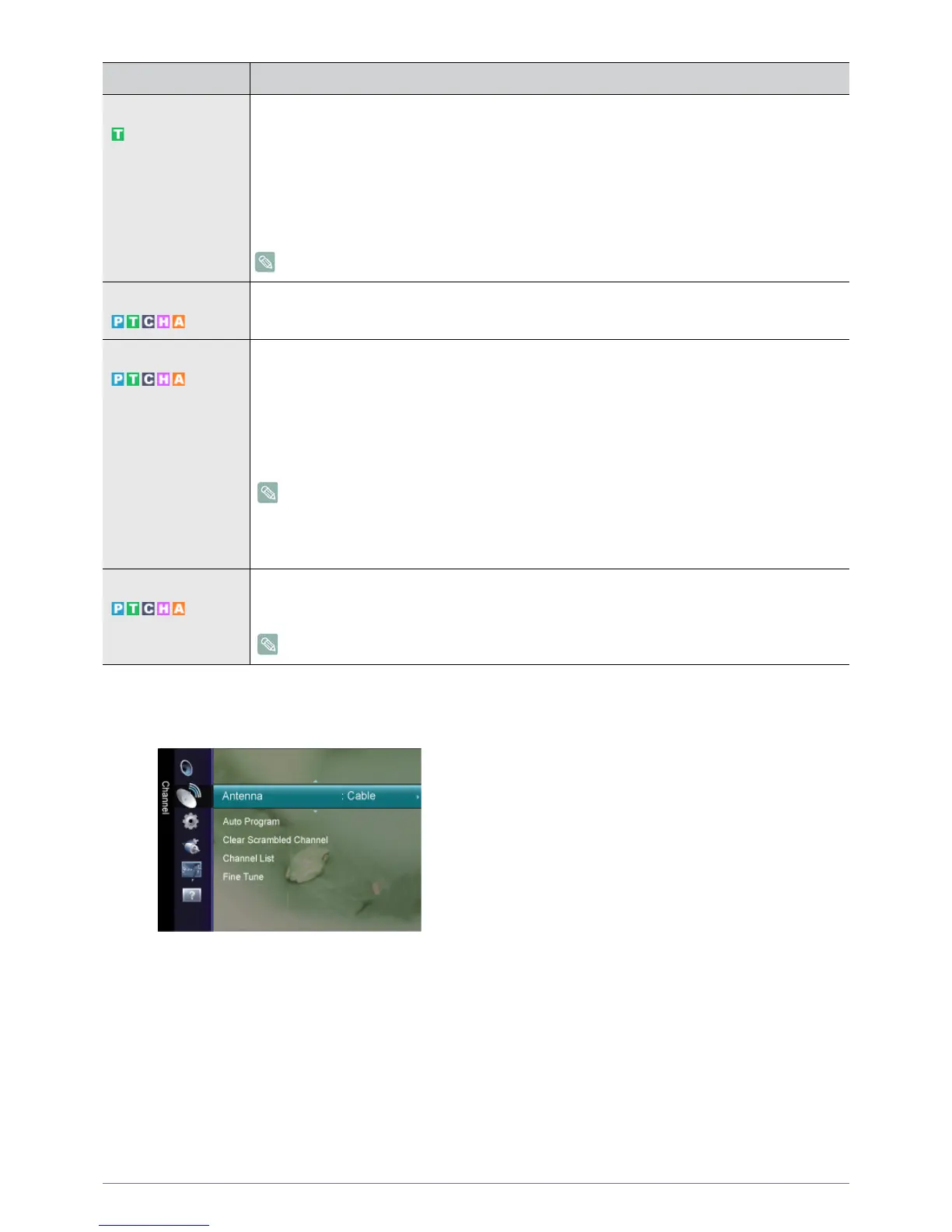
Channel
Multi-Track Sound • <Mono>
Choose for channels that are broadcasting in mono or if you are having difficulty receiving a stereo
signal.
• <Stereo>
Choose for channels that are broadcasting in stereo.
• <SAP>
Choose to listen to the Separate Audio Program, which is usually a foreign-language translation.
Available in Analog <TV> Mode Only
Auto Volume Reduces the differences in volume level among channels.
• <Off> - <On>
Speaker Select When you watch TV with it connecting to a Home theater, turn the TV speakers off so you can listen
to sound from the Home theater’s (external) speakers.
• <External Speaker>
Used to listen to the sound of the External (Home Theater) Speakers.
• <TV Speaker>
Used to listen to the sound of the TV Speakers.
• If you select <External Speaker> in the <Speaker Select> menu, the sound settings will be
limited.
• The volume and [MUTE] buttons do not operate when the <Speaker Select> is set to
<External Speaker>. Please set the volume on your Home theater.
Sound Reset You can restore the Sound settings to the factory defaults.
• <Reset All> - <Reset Sound Mode> - <Cancel>
<Reset Sound Mode>: Current sound values return to default settings.
MENU DESCRIPTION











 To Next Page