
 Need help?
Do you have a question about the Samsung UE32K5500AW and is the answer not in the manual?
Step-by-step guide for disassembling and reassembling the LED TV, including precautions.
General safety guidelines for servicing, including handling sensitive devices and electrical hazards.
Essential servicing procedures, including AC line cord disconnection and voltage meter calibration.
Procedures for performing safety checks, including lead dress inspection and leakage current testing.
Information on special safety characteristics of electrical/mechanical parts and risks of using substitute parts.
General precautions before servicing, including handling of electrolytic capacitors and reading safety sections.
Detailed guidelines on unplugging the unit, reinstalling components, checking insulation, and using test instruments.
Techniques to prevent damage from static electricity to sensitive components like ICs and transistors.
Safety guidelines for carrying, installing, and handling the product, including ventilation and battery replacement.
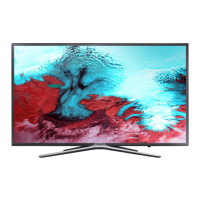
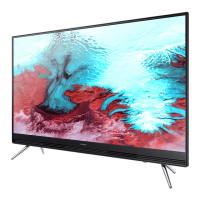
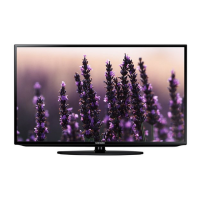
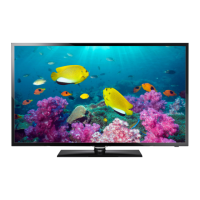
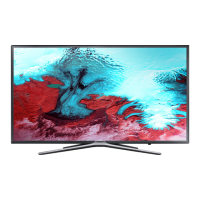
Overview of the LED TV model, including front/detail views, color, dimensions, weight, and panel type.
Comprehensive technical specifications for the UE32K5500AWXXH model, covering display, video, audio, and connectivity.
A summary table of technical specifications across different screen sizes for the UE**K5500AW series.
Lists included accessories like remote control, batteries, power cord, and manual users, with their part codes.
Initial troubleshooting steps, including checking cable connections and power input to main board.
Diagnostic procedures for common fault symptoms like power issues, no picture, no sound, and network problems.
Detailed steps to diagnose and resolve power-related issues, including checking standby indicators and voltages.
Troubleshooting guide for 'No Power & No Picture' faults, including voltage checks and component replacement suggestions.
Procedures for diagnosing video issues related to the Main/T-CON board and panel, including test patterns.
Troubleshooting steps for audio problems, covering no sound, noisy audio, optical out errors, and HDMI audio issues.
Guides for troubleshooting TV to router and router to network connection failures, including MAC address and security checks.
Steps to diagnose and resolve Smart Hub connection issues, including network, DNS, ISP, and server problems.
Troubleshooting for Bluetooth/WiFi module issues, including pinout, voltage checks, and signal problems.
Information on accessing and adjusting factory settings for various models, including panel and main Assy options.
Detailed factory option settings for different models, covering panel, SMPS, main Assy, and byte configurations.
Instructions on how to enter the service/factory mode using the remote control for various models.
A comprehensive list of factory menu options, data, and ranges for configuration and adjustment.
Procedures for calibrating and adjusting white balance settings using specific patterns and equipment.
Detailed instructions for color calibration and service adjustments using specific input modes and patterns.
Instructions on how to adjust white balance settings for low and high light conditions.
Guidance on upgrading TV firmware via USB or online, including backup and setting restoration.
Table detailing the rear dimensions and wall mount specifications for K5500 series models.
Overall block diagram showing connections between major boards like Main, SMPS, and Speaker.
Detailed pin maps for connectors on the Main Board, Power Board, and other modules.
Explains the function of key connectors, such as CN202 and CN1401, in signal transfer.
 General
| Screen Size | 32 inches |
|---|---|
| Resolution | 1920 x 1080 pixels |
| Display Technology | LED |
| Smart TV | Yes |
| HDMI Ports | 2 |
| USB Ports | 1 |
| Wi-Fi | Yes |
| Audio Output | 20 W |
| Refresh Rate | 60 Hz |
| Operating System | Tizen |
| Bluetooth | No |



 To Next Page