EasyManua.ls Logo

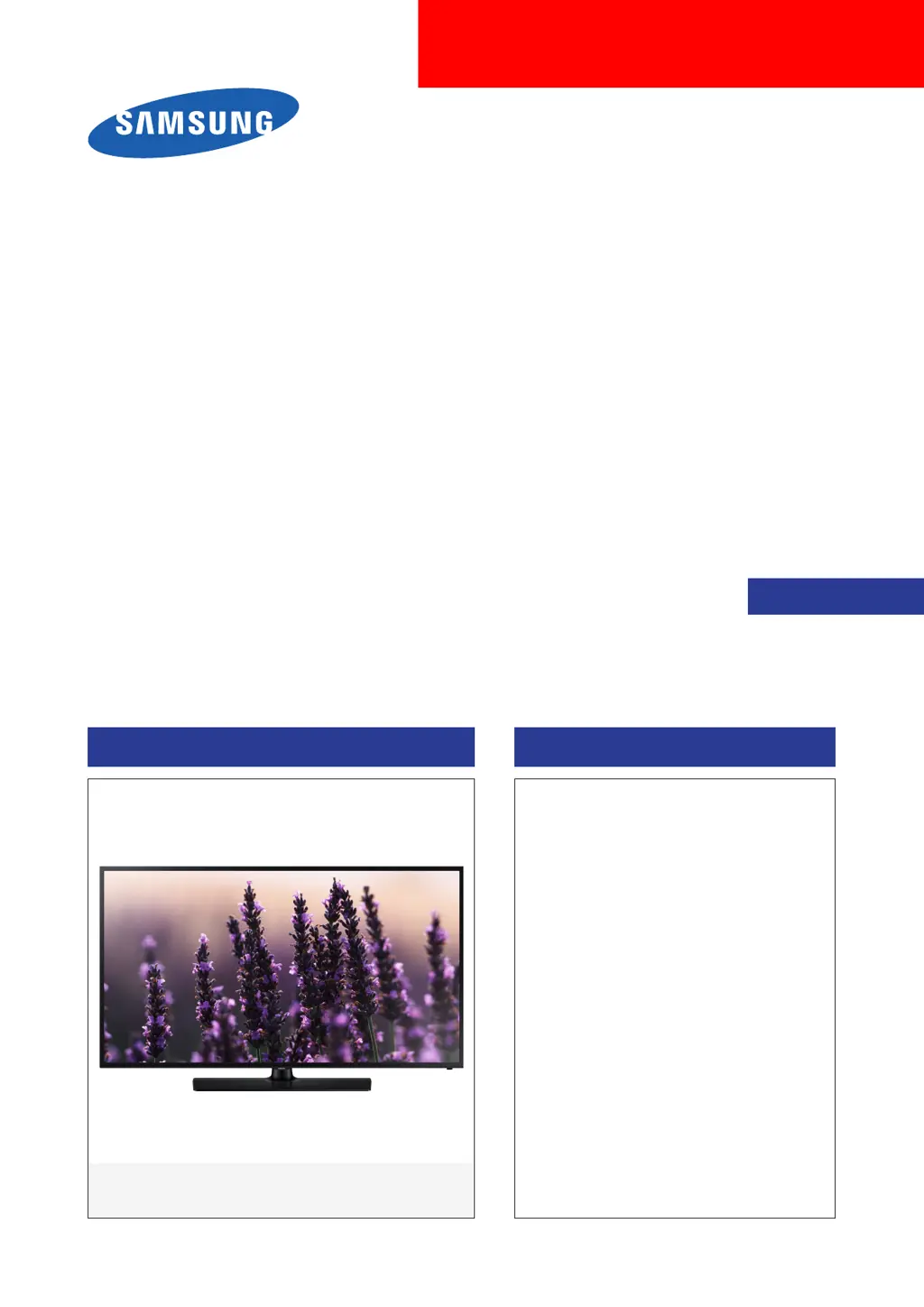
Samsung UN58J5190AF - User Manual

Samsung UN58J5190AF
67 pages
Print Icon
To Next Page IconTo Next Page
Loading...
LED TV
SERVICE
Manual
LED TV Contents
1. Precautions
2. Product specications
3. Disassembly and Reassembly
4. Troubleshooting
5. Wiring Diagram
UN58J5190AF
Chassis : UNE50
Model : UN58J5190AF

Questions and Answers

  • J
    Jesse SolisJul 29, 2025
    Why does my Samsung UN58J5190AF LED TV keep turning off by itself?
    • B
      Benjamin MillerJul 29, 2025
      If your Samsung LED TV appears to turn off by itself, first check the Sleep Timer settings (System > Time > Sleep Timer) to ensure it's not enabled, as this feature automatically shuts off the TV after a set time. If the Sleep Timer is off, check if No Signal Power Off (System > Eco Solution > No Signal Power Off) or Auto Power Off (System > Eco Solution > Auto Power Off) are enabled and disable them.
  • A
    Amanda ScottAug 2, 2025
    What to do if my Samsung UN58J5190AF LED TV won't turn on?
    • J
      jennifer06Aug 2, 2025
      If you are having problems powering on your Samsung LED television, there are a number of things to check: * Confirm that the TV’s power cord is connected correctly at both ends. * Ensure that the remote control is operating normally. * Make sure that the antenna cable or cable TV cable is firmly connected. * If you have a cable/satellite box confirm that it is plugged in and turned on.
  • C
    Chris CharlesAug 7, 2025
    How to stop my Samsung LED TV from flickering?
    • S
      sullivanstephanieAug 7, 2025
      If your Samsung LED TV is flickering or dimming, try disabling the energy efficiency features. Go to System > Eco Solution and disable Energy Saving and Eco Sensor.
  • W
    William FarleyAug 13, 2025
    How to fix ghosting on Samsung LED TV?
    • I
      Ivan CurtisAug 13, 2025
      If you're experiencing ghosting or blurring on your Samsung LED TV screen, use the Auto Motion Plus option located in Picture > Picture Options > Auto Motion Plus to resolve the issue. For LED 5203, 5303 and 4303 series models, use LED Clear Motion found in Picture > Picture Options > LED Clear Motion.
  • K
    Kristy RogersAug 17, 2025
    Why is the color off on my Samsung UN58J5190AF LED TV?
    • W
      whitejessicaAug 17, 2025
      If the color on your Samsung LED television screen is not correct, run Picture Test (Support > Self Diagnosis > Picture Test). If the test results indicate that the problem is not caused by the TV: * Confirm that the TV’s video input connectors are connected to the correct external device video output connectors. * If the TV is connected to an external device via a component cable, confirm that the Pb, Pr, and Y jacks are plugged into their proper connectors.
  • S
    Stacy JohnsonAug 22, 2025
    How to find channels on Samsung LED TV?
    • E
      Emma HallAug 22, 2025
      If your Samsung LED TV is not connected to a cable box or satellite box, run Setup (System > Setup) or Auto Program (Broadcasting > Auto Program) to find channels.

Summary

Disassembly and Reassembly

3-1. Disassembly and Reassembly

Step-by-step guide for disassembling and reassembling the LED TV.

Precautions

1-1. Safety Precautions

Essential safety, servicing, and ESD precautions to prevent damage and hazards.

1-1-1. Warnings

Critical safety warnings for continued safe operation and preventing unauthorized modifications.

1-1-2. Servicing the LED TV

Guidelines for servicing the LED TV, emphasizing disconnecting power and using accurate meters.

1-1-3. Fire and Shock Hazard

Safety checks to perform before returning the monitor to the user, including leakage current.

1-2. Servicing Precautions

General cautions during servicing, like capacitor polarity and insulation checks.

1-2-1. General Servicing Precautions

Precautions for unplugging power, handling components, and checking wiring after service.

1-3. Static Electricity Precautions

Techniques to reduce component damage caused by static electricity (ESD).

Troubleshooting

4-1. Picture & Sound Diagnostics

Troubleshooting common issues with TV picture quality and sound output.

4-3. Factory Mode and Options

Procedures for accessing and adjusting factory settings and options.

Wiring Diagram

Samsung UN58J5190AF Specifications

General IconGeneral
Screen shapeFlat
Response time- ms
Display diagonal57.5 \
Display brightness- cd/m²
Display technologyLED
Native refresh rate60 Hz
Supported video modes1080p
Screen format adjustments16:9
Supported graphics resolutions1920 x 1080 (HD 1080)
Motion interpolation technologyMotion Rate 60
3DNo
Audio decodersDTS Premium Sound 5.1, DTS Studio Sound
RMS rated power20 W
Number of speakers2
Product colorBlack
Panel mounting interface400 x 400 mm
AC input voltage110 - 120 V
Power consumption (max)149 W
Power consumption (standby)0.3 W
Power consumption (typical)50 W
Sustainability certificatesENERGY STAR
Picture processing technologySamsung Wide Color Enhancer, Samsung Wide Color Enhancer Plus
Number of OSD languages3
On Screen Display (OSD) languagesENG, ESP, FRE
PC in (D-Sub)-
DVI-D ports quantity0
USB 2.0 ports quantityUSB 2.0 ports have a data transmission speed of 480 Mbps, and are backwards compatible with USB 1.1 ports. You can connect all kinds of peripheral devices to them.
Ethernet LAN (RJ-45) ports1
Package typeBox
Package depth175.26 mm
Package width1569.72 mm
Package height866.14 mm
Package weight27714.49 g
Tuner typeAnalog & digital
Digital signal format systemATSC
Cables includedAC
Remote control typeTM1240A
Weight and Dimensions IconWeight and Dimensions
Depth (with stand)294.64 mm
Height (with stand)843.28 mm
Weight (with stand)21591 g
Depth (without stand)91.44 mm
Width (without stand)1308.1 mm
Height (without stand)769.62 mm
Weight (without stand)17508.67 g

Related product manuals