EasyManua.ls Logo

Samsung UN65NU6900F - User Manual

Samsung UN65NU6900F
101 pages
Print Icon
To Next Page IconTo Next Page
Loading...
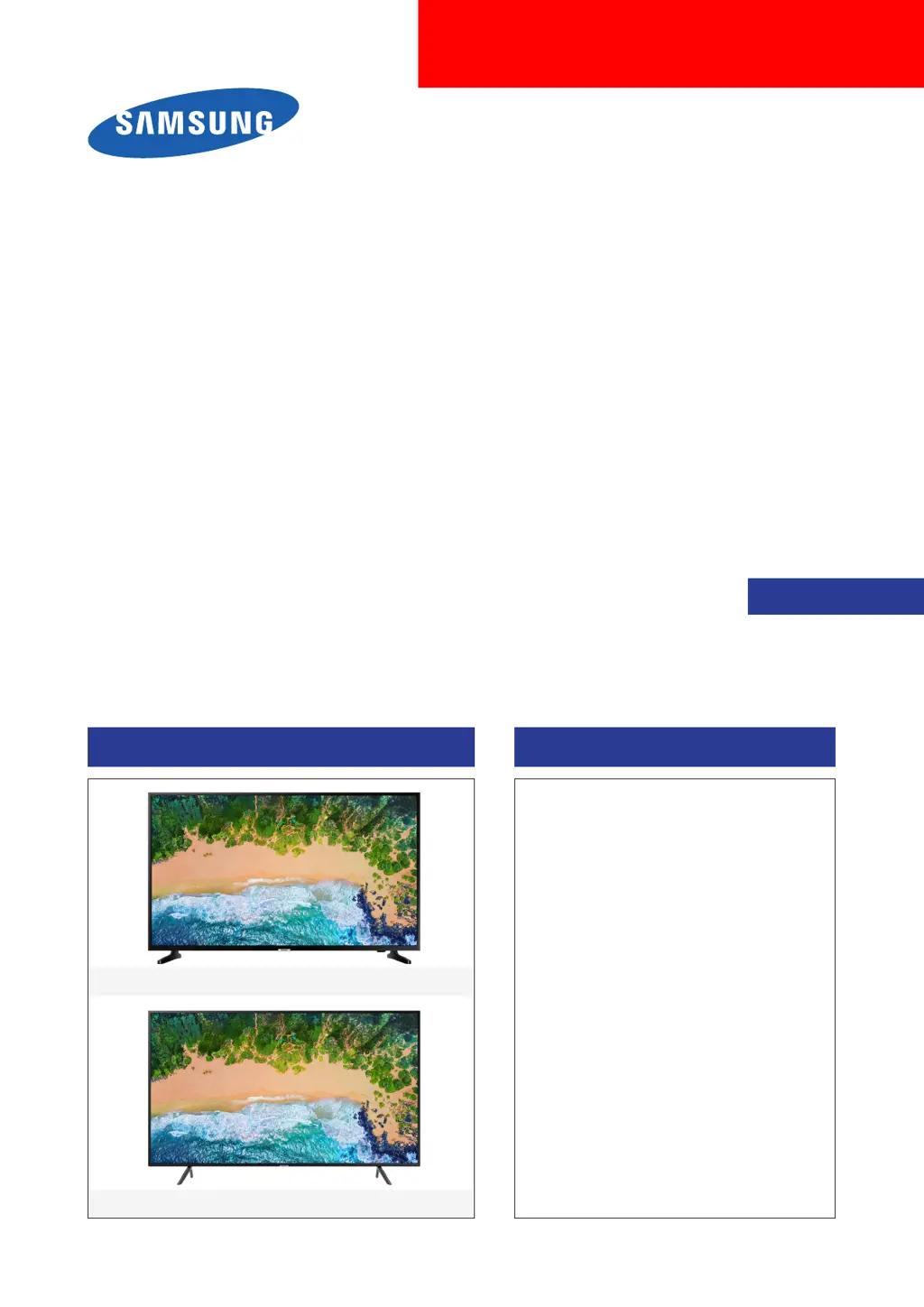
UHD TV
SERVICE
Manual
UHD TV Contents
1. Precautions
2. Product specications
3. Disassembly and Reassembly
4. Troubleshooting
5. Wiring Diagram
Project : UNU6900P
Chassis : UEZ83
Model : UN65NU6900F
UN75NU6900F
UN75NU6900F
UN65NU6900F

Questions and Answers

  • M
    Michael BlackJul 30, 2025
    What to do if SDA, SCL for effective 3.3Vdc is missing after power on in Samsung UN65NU6900F?
    • A
      Amanda GarzaJul 30, 2025
      If the SDA and SCL for effective 3.3Vdc is missing after power on, suspect the Function Assy, Cable Assy, or Main Assy.
  • C
    Chelsea LaraAug 6, 2025
    What to do if there is wrong voltage or no change in Switch Operation in Samsung UN65NU6900F UHD TV?
    • C
      Chad HardyAug 6, 2025
      If there's wrong voltage or no change during Switch Operation, check the switch for being stuck or for miss-operation.
  • H
    harringtonpatriciaAug 14, 2025
    How to troubleshoot if LED is off on Samsung UN65NU6900F?
    • J
      Jeffrey WhiteAug 14, 2025
      If the LED is off, suspect the Function Assy, Cable, or Main board.
  • J
    jessetorresAug 21, 2025
    What to do if switch operation activates on screen display is missing in Samsung UN65NU6900F?
    • M
      Miss Tiffany CampbellAug 21, 2025
      If the switch operation that activates the on-screen display is missing, check if Key_Input 1 Pin 6 changes to 0V with a command.

Summary

Precautions

Safety Precautions

Safety, servicing, and ESD precautions to prevent damage and hazards.

Product Specifications

Disassembly and Reassemble

Troubleshooting

Power System Troubleshooting

Troubleshooting steps for power-related problems, including LED status and standby tests.

Video Quality Troubleshooting

Procedures for diagnosing and resolving video quality problems using customer tests and patterns.

Audio System Troubleshooting

Steps to troubleshoot no TV sound, noisy audio, and HDMI/Bluetooth audio connection problems.

Network Connectivity Troubleshooting

Guidance on resolving TV to router or internet connection failures and Wi-Fi issues.

Entering and Using Factory Mode

Instructions on entering and navigating the TV's factory mode for adjustments and diagnostics.

Factory Mode Configuration Options

Detailed guide to adjusting factory options, including panel, SMPS, and main board information.

Main Board Replacement Procedure

Steps for replacing the main board, including necessary factory menu value inputs.

Samsung UN65NU6900F Specifications

General IconGeneral
Screen shapeFlat
Response time- ms
Display diagonal65 \
Display brightness- cd/m²
Display technologyLED
Native aspect ratio16:9
Supported video modes2160p
Supported graphics resolutions3840 x 2160
Motion interpolation technologyMotion Rate 120
3DNo
Tuner typeAnalog & digital
Digital signal format systemATSC
Video appsAmazon Prime Video, Hulu+, Netflix, YouTube
Operating system installed-
Audio decodersDolby Digital, Dolby Digital Plus
RMS rated power20 W
Number of speakers2
Multiroom audio technologySamsung Multiroom Link
Wi-Fi standardsWi-Fi 5 (802.11ac)
Product colorBlack
Processor cores4
Picture processing technologySamsung Auto Motion Plus, Samsung Contrast Enhancer
DVI-D ports quantity0
USB 2.0 ports quantityUSB 2.0 ports have a data transmission speed of 480 Mbps, and are backwards compatible with USB 1.1 ports. You can connect all kinds of peripheral devices to them.
Ethernet LAN (RJ-45) ports1
Consumer Electronics Control (CEC)Anynet+
Number of OSD languages3
On Screen Display (OSD) languagesENG, ESP, FRE
AC input voltage110 - 120 V
AC input frequency50 - 60 Hz
Power consumption (max)180 W
Power consumption (standby)0.3 W
Power consumption (typical)75 W
Sustainability certificatesENERGY STAR
Cables includedAC
Remote control typeTM1240A
Weight and Dimensions IconWeight and Dimensions
Depth (without stand)59.7 mm
Width (without stand)1457.5 mm
Height (without stand)837.3 mm
Weight (without stand)- g

Related product manuals