EasyManua.ls Logo

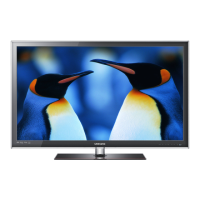
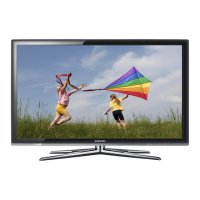
Samsung UNK6C6300 - User Manual

Samsung UNK6C6300
54 pages
Print Icon
To Next Page IconTo Next Page
Loading...
© 2010 Samsung Electronics Co., Ltd. All rights reserved.
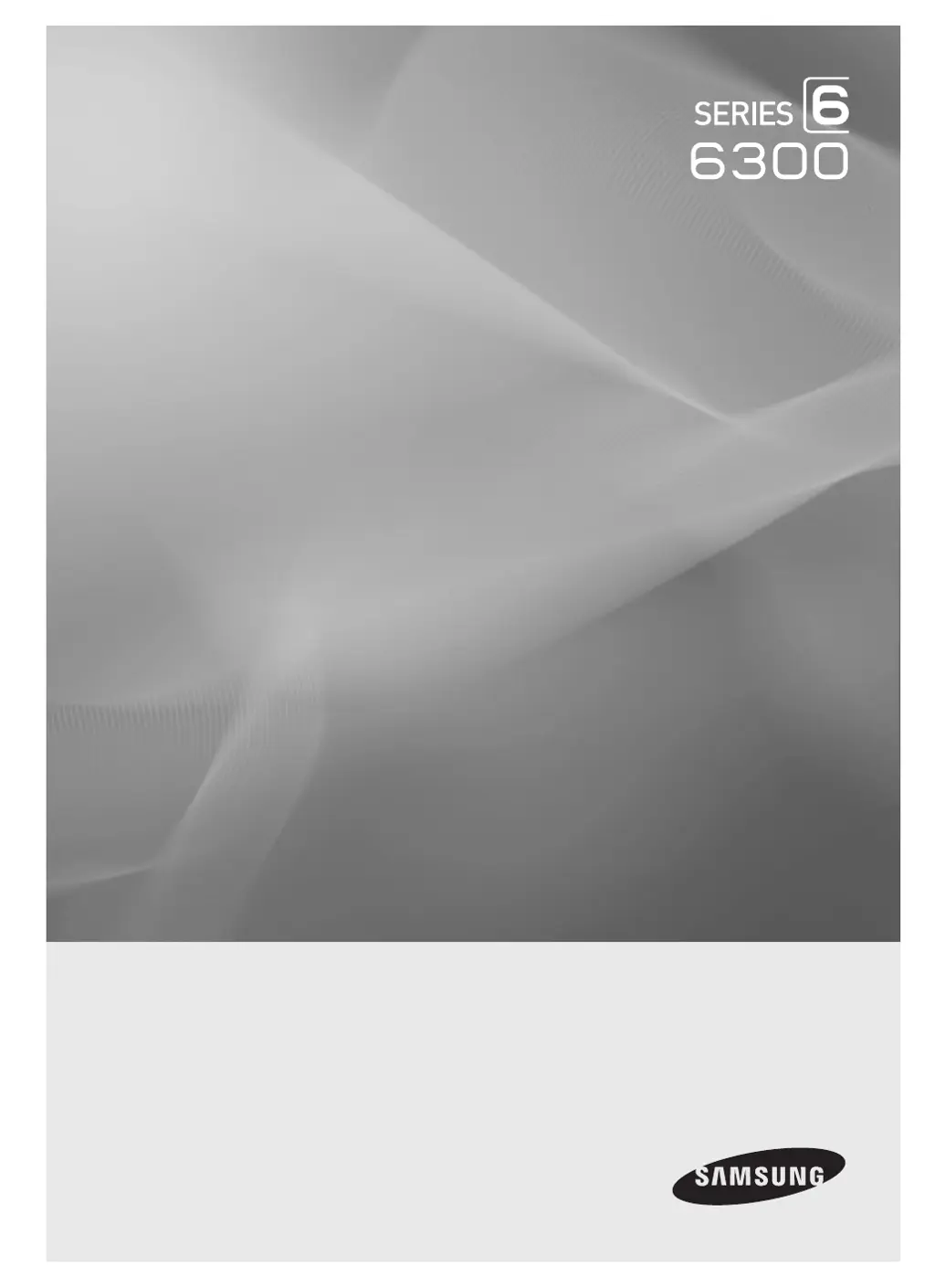
LED TV
user manual
imagine the possibilities
Thank you for purchasing this Samsung product.
To receive more complete service, please register
your product at
www.samsung.com/register
Model _____________ Serial No. _____________
Contact SAMSUNG WORLDWIDE
If you have any questions or comments relating to Samsung products, please contact the SAMSUNG customer care center.
Country
Customer Care Center
Web Site Address
CANADA 1-800-SAMSUNG (726-7864) www.samsung.com Samsung Electronics Canada Inc., Customer Service
55 Standish Court Mississauga, Ontario L5R 4B2
Canada
U.S.A 1-800-SAMSUNG (726-7864) www.samsung.com Samsung Electronics America, Inc. 85 Challenger
Road Ridgeeld Park, NJ 07660-2112
BN68-03165A-01
0_BN68-03165A-01Eng-Cover.indd 1 2010-08-18 오전 11:29:13

Table of Contents

Questions and Answers

  • C
    cartersherriSep 3, 2025
    Why does a distorted picture appear in the corner of the screen on my Samsung Plasma TV?
    • C
      Christopher AbbottSep 3, 2025
      A distorted picture appearing in the corner of the screen is caused by external devices, not the TV. If Just Scan is selected in some external devices, a distorted picture appears in the corner of the screen.
  • S
    Shawn MeyerSep 3, 2025
    How to adjust the image size on Samsung Plasma TV if it's too large or small?
    • S
      Stephanie MckeeSep 3, 2025
      If the image on your Samsung Plasma TV is too large or too small, adjust the Size settings.
  • Y
    Yolanda PittmanSep 3, 2025
    What to do if my Samsung Plasma TV operates erratically?
    • L
      Laura WilliamsSep 3, 2025
      If your Samsung Plasma TV is operating erratically, unplug the TV for 30 seconds, then try operating it again.
  • K
    kharmonSep 2, 2025
    What does it mean if the screen is black and power indicator light blinks steadily on Samsung Plasma TV?
    • D
      Douglas PatelSep 2, 2025
      If the screen is black and the power indicator light blinks steadily, check the following: * On your computer, check the Power and Signal Cable. * Move the computer’s mouse or press any key on the keyboard. * On your equipment (STB, DVD, etc), check the Power and Signal Cable. * Press the Source button on the panel or remote control. * Turn the TV off and on.
  • W
    willisthomasSep 2, 2025
    How to adjust brightness on Samsung Plasma TV if the image is too light or dark?
    • R
      Ricardo CalhounSep 2, 2025
      If the image on your Samsung Plasma TV is too light or too dark, adjust the Brightness and Contrast and/or adjust the Fine tuning.
  • D
    Daniel WilliamsSep 2, 2025
    How to improve poor picture quality on Samsung Plasma TV?
    • S
      swilliamsSep 2, 2025
      To improve poor picture quality on your Samsung Plasma TV, try the following: * Try another channel. * Adjust the antenna. * Check all wire connections.
  • D
    Danielle ReynoldsSep 1, 2025
    Why is the sound too low or not working on my Samsung Plasma TV?
    • D
      Daniel PatelSep 1, 2025
      If the sound on your Samsung Plasma TV is too low or not working, first check the volume of any units connected to your TV, such as a digital broadcasting receiver, DVD player, cable broadcasting receiver, or VCR. Then, adjust the TV volume accordingly.
  • A
    austingeorgeSep 1, 2025
    How to prevent scratches when cleaning my Samsung UNK6C6300?
    • M
      Michael FitzgeraldSep 1, 2025
      To prevent scratches on the exterior and screen of your Samsung LED TV during cleaning, be sure to wipe it carefully using a soft cloth.
  • J
    james71Sep 1, 2025
    What to do if I used inappropriate cleaning liquids on my Samsung LED TV?
    • T
      tblairSep 1, 2025
      If you've used inappropriate cleaning liquids on your Samsung LED TV, clean it with a soft cloth dampened with a small amount of water. Avoid using flammable liquids like benzene or thinners, and do not use any other cleaning agents.

Samsung UNK6C6300 Specifications

General IconGeneral
BrandSamsung
ModelUNK6C6300
CategoryLED TV
LanguageEnglish

Related product manuals