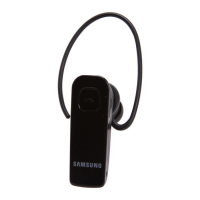
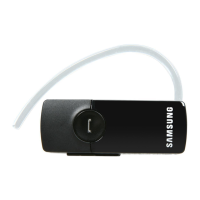
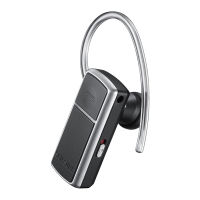
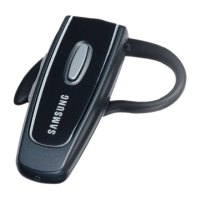
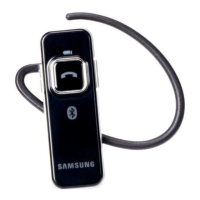
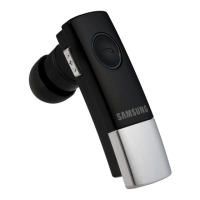
Turning the headset on or off
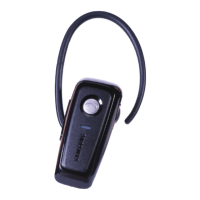
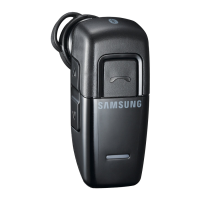
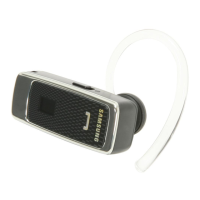
To turn the headset on, press and hold the Multi-function button until the
blue indicator light flashes 4 times.
To turn the headset off, press and hold the Multi-function button until
both blue and red indicator lights flash.
Understanding various modes
Standby mode: The headset is waiting for a call. The blue indicator light
flashes every 6 seconds.
Active mode: The headset has a call in progress. The blue indicator light
flashes every 8 seconds.
Pairing mode: The blue indicator light stays lit. You can discover and
connect to your headset on your phone.
Low battery mode: There is less than 10% of battery power left. The red
indicator light flashes. You must recharge the battery.
Pairing with your Bluetooth phone
1. Enter Pairing mode.
Turn off your headset and press and hold the Multi-function button until
the blue indicator light remains lit after blinking.
If you turn it on for the first time, it proceeds into Pairing mode
immediately.
•
•
•
•
•
•



 To Next Page