English
5
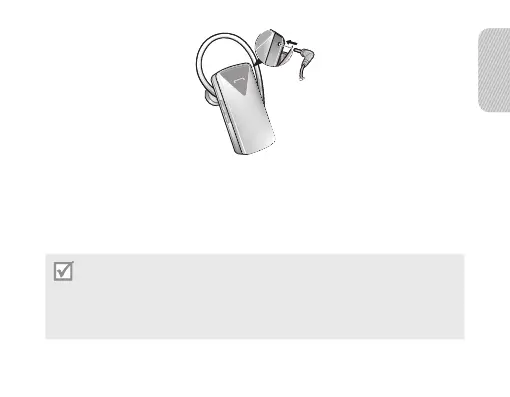
2 Plug the large end of the travel adapter into a power outlet.
During charging, the indicator light will turn red. If charging does not begin,
unplug the travel adapter and plug it in again.
3 When the headset is fully charged, the indicator light changes to blue. Unplug
the travel adapter from the power outlet and the headset.
Use only a Samsung-approved travel adapter. Unauthorised travel adapters may
cause an explosion or damage to the headset.
The battery will gradually wear out while charging or discharging because it is a
consumable part.
The headset is not able to operate while charging. Try connecting after charging is
completed.
•
•
•


 To Next Page