6
Checking the battery level
At the same time, press and hold the Volume down button and the Talk button.
Depending on the battery level, the indicator light ashes 5 times in one of the
following colours:
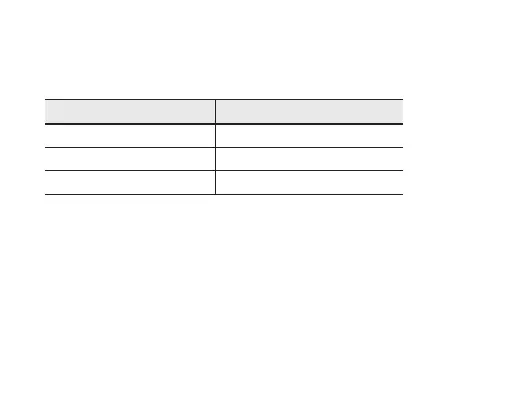
Battery level Indicator light colour
Above 80% Blue
80 ~20% Violet
Below 20% Red
When the battery power is low
The headset beeps and the indicator light ashes red. Recharge the battery. If the
headset powers off during a call, the call will be automatically transferred to the
phone.


 To Next Page